27
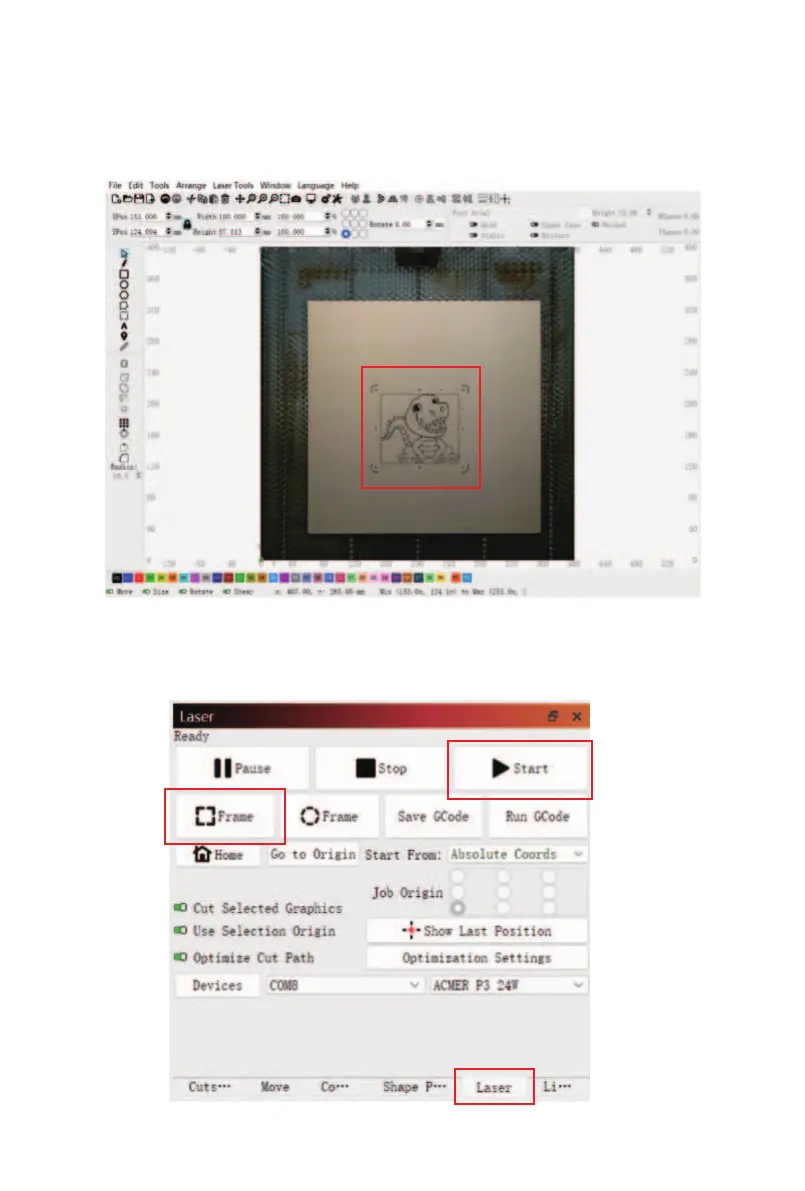
⑥ Select the engraving pattern with the confirmed size,
then press and hold the left mouse button and drag the
engraving pattern to any position you want to place it on
the engraving material.
⑦ Click the "Laser" window, click “Frame" to preview the
engraving area, and if there are no issues, click "Start" to
begin engraving.



 To Next Page