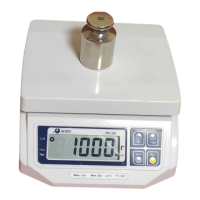
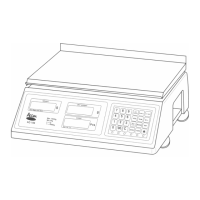
1. Press the Direct PLU key on the keyboard and change the price if
desired.
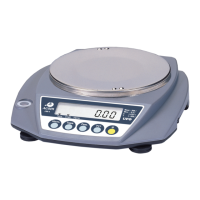
2. Place an item on the platter.
3. Remove the item from the platter.
Steps 1 and 2 can be interchanged. You can learn how to program Direct
PLUs in the next section.
Weighing Using Indirect PLUs:
1. Type the PLU number and press the MR key and then change the price
if desired.
2. Place an item on the platter.
3. Remove the item from the platter.
Steps 1 and 2 can be interchanged. You can learn how


 To Next Page
 Loading...