Automatic Partition Operations
Copyright © Acronis, Inc., 2000–2010
23
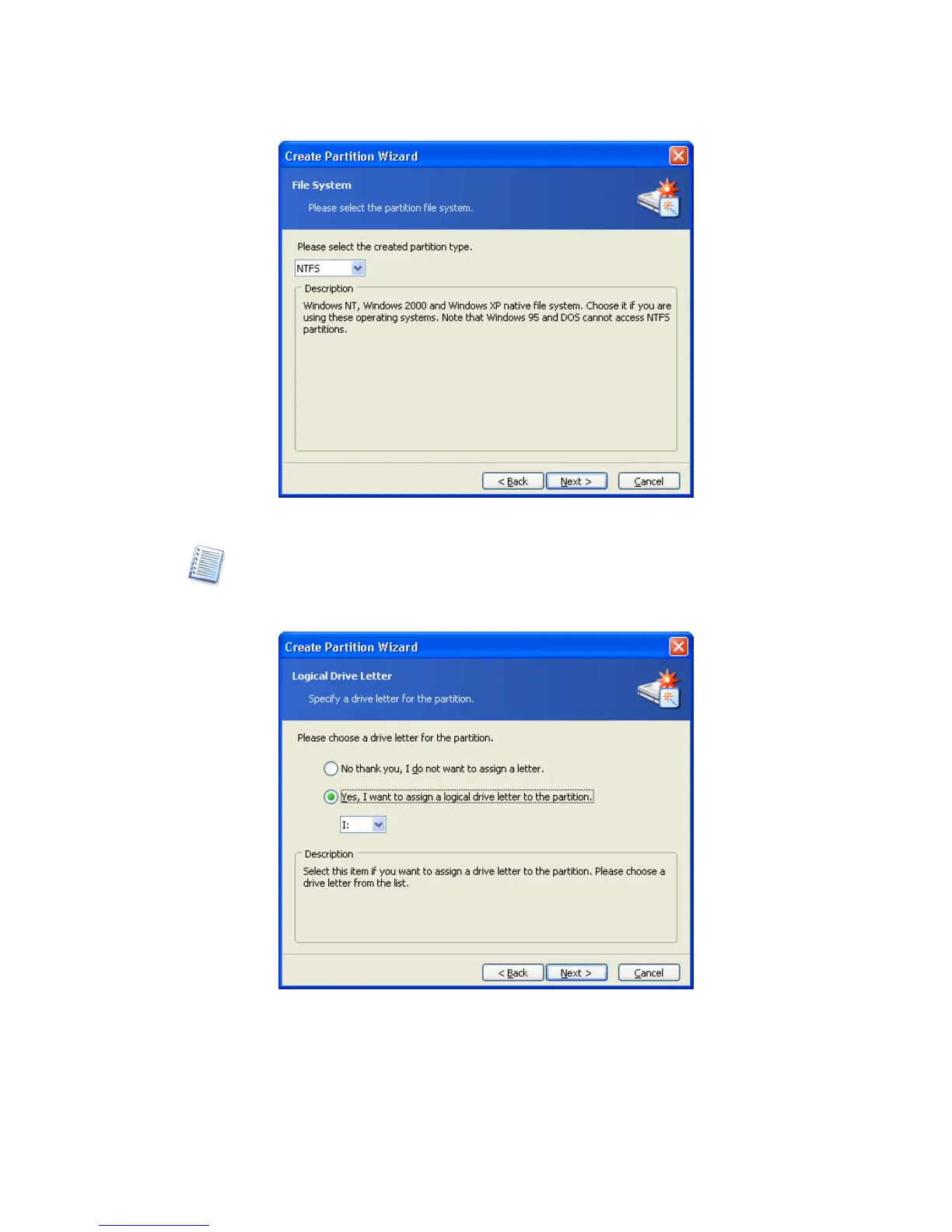
Partition file system selection window
Selecting a partition file system results in partition formatting, i.e. creating partition
data storage structures
– boot record, file allocation table, etc.
8.
On the next wizard page, you will be asked to select a partition letter.
Partition Logical Drive Letter selection window
At startup, an operating system assigns letters (C:, D:,…) to partitions. These letters are
used by applications and the operating system to locate files on partitions. For example,
C:\Program Files\Acronis\Disk Director\DiskDirector.exe. See also
Appendix B «Glossary»
— «Letter (of a drive, partition)».



 To Next Page