Working with Acronis Recovery Expert
68
Copyright © Acronis, Inc., 2000–2010
Acronis Recovery Expert checks to see if your hard disks contain unallocated space. If you
have none, then it makes no sense to search for deleted partitions. If you have
unallocated space, it may have contained one or more partitions. Acronis Recovery Expert
will search unallocated space thoroughly – either automatically or manually.
7.1 Automatic Recovery
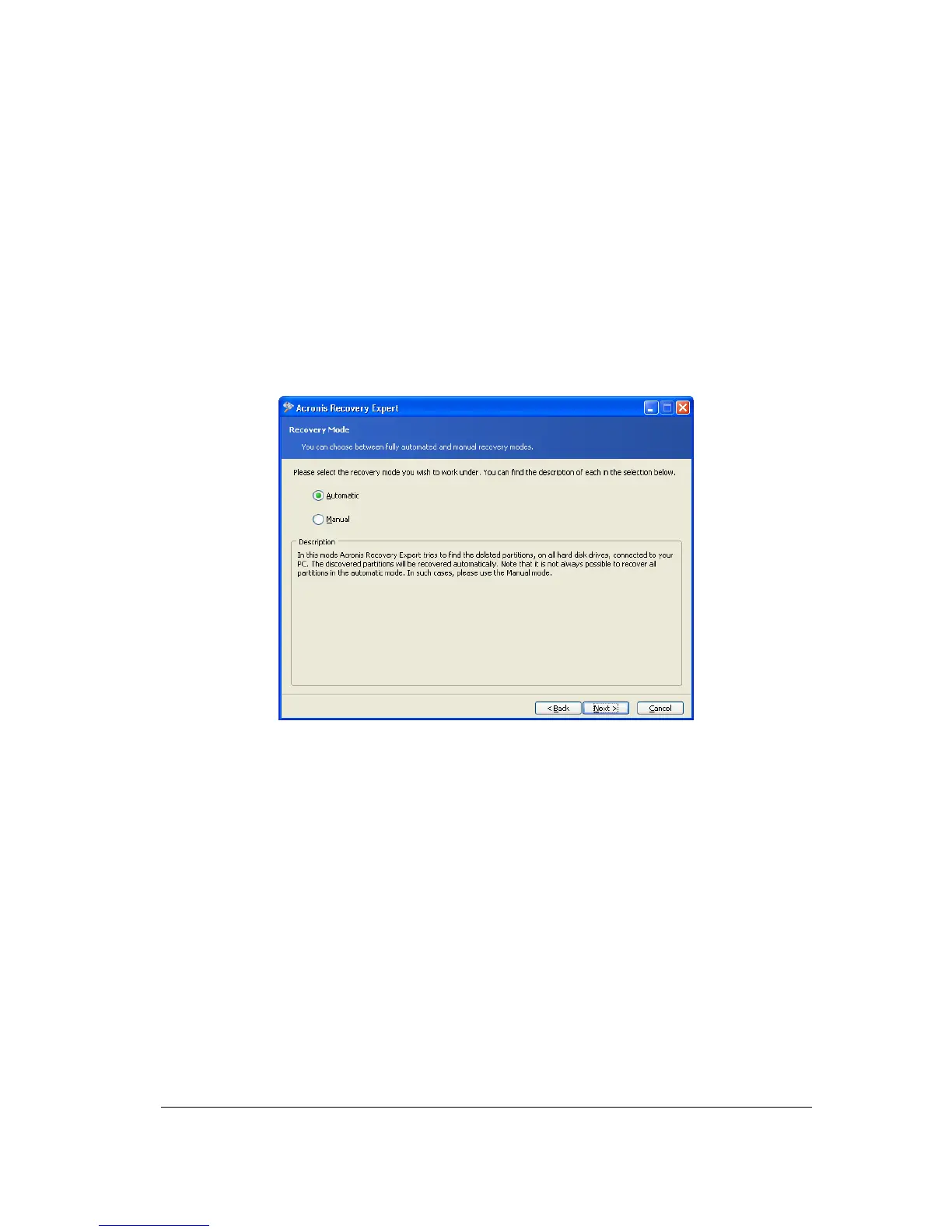
You can recover deleted partitions automatically or manually. To do so, set the switch to
the necessary position in the Recovery mode window.
Let us describe automatic partition recovery first. Set the switch to Automatic.
Selecting Automatic recovery mode
In the next Searching for Deleted Partitions window, Acronis Recovery Expert searches for
all deleted partitions. The search progress is shown in the lower part of the window.



 To Next Page