Working with Acronis Disk Editor
Copyright © Acronis, Inc., 2000–2010
79
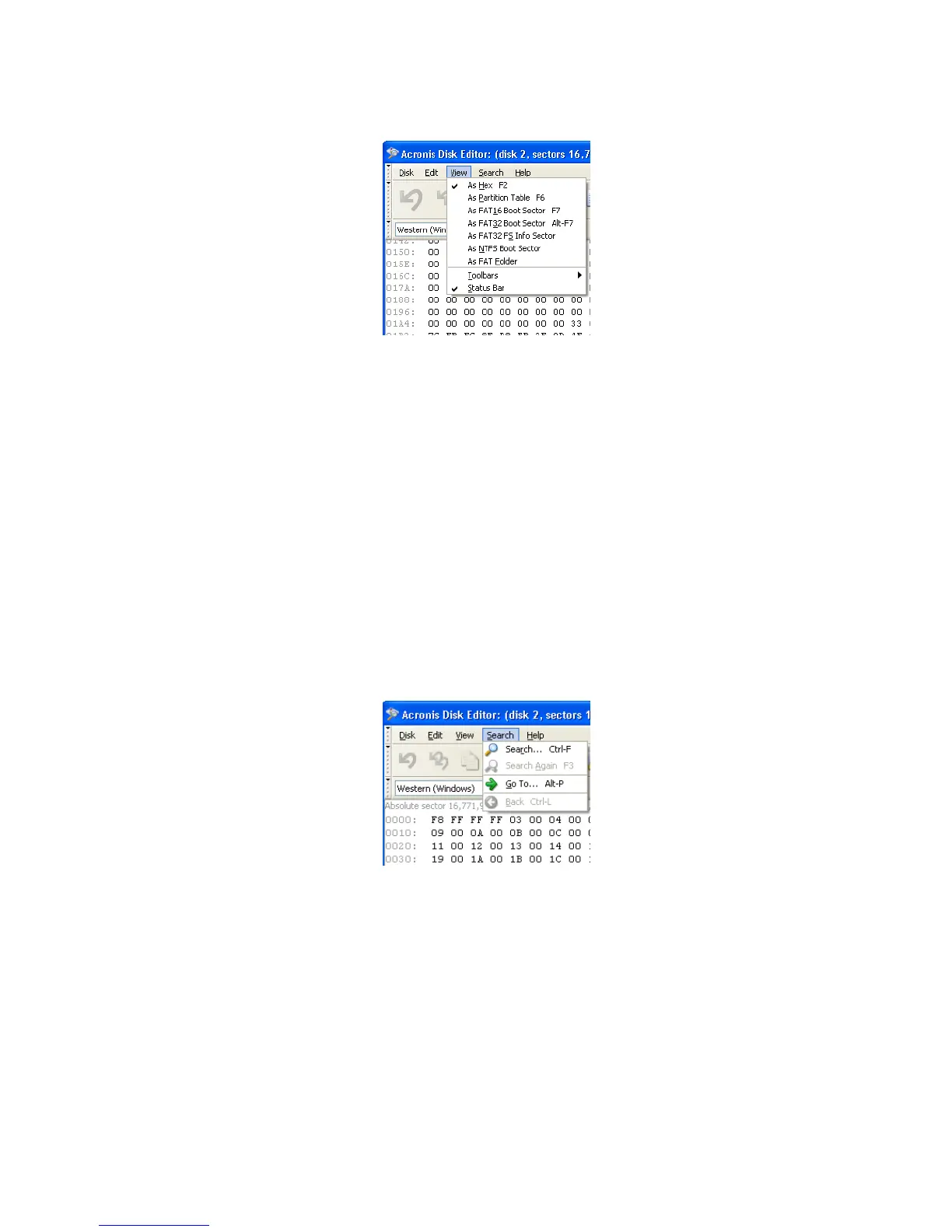
View menu
The editor offers seven view modes:
• hex
• partition table
• FAT16 boot sector
• FAT32 boot sector
• FAT32 FS info sector
• NTFS boot sector
• FAT folder
8.7 Search
The Search menu allows you to search a hard disk for some line and to go to a disk sector
according to its absolute offset.
Search Menu
Selecting the Search item in the same menu will give you access to functions for
searching lines in the disk being edited. (You can do the same by pressing
Ctrl+F key
combination.) Search parameters can be set in the Search dialog window.



 To Next Page