Working with Acronis Recovery Expert
Copyright © Acronis, Inc., 2000–2010
67
Chapter 7. Working with Acronis Recovery
Expert
Acronis Recovery Expert allows recovery of hard disk partitions accidentally deleted or
damaged due to a hardware or software failure. It uses a wizard interface.
You can run Acronis Recovery Expert in the following ways.
While working with Acronis Disk Director Server in the Automatic mode:
• Using Recover Partition item in the wizards section of the Acronis Disk Director
Server main window sidebar
• Using the respective main menu item
While working in the Manual mode:
• Using Advanced Recover item of the context menu by hovering a mouse pointer
over Unallocated space and right-clicking
Then Acronis Recovery Expert begins reading the partition configuration of your hard
disks.
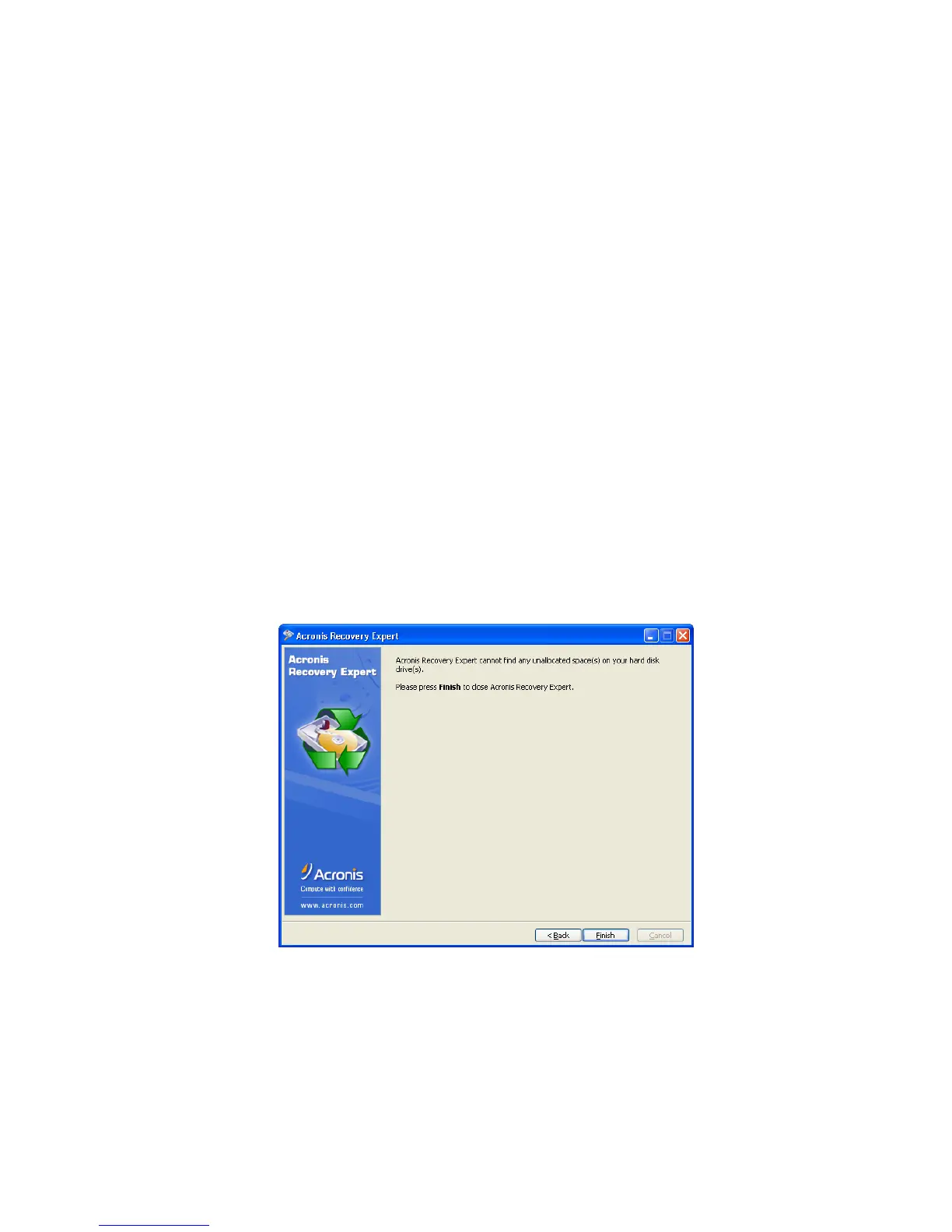
After the process is finished, you may see a warning that there are no unallocated spaces
on your hard disks:
Hard disks do not have any unallocated spaces
Please note: the entire hard disk space can be partly partitioned and/or partly
unallocated. If you delete a disk partition – whether intentionally or by mistake – its space
becomes unallocated. You can create a new partition using unallocated space only.



 To Next Page