Automatic Partition Operations
26
Copyright © Acronis, Inc., 2000–2010
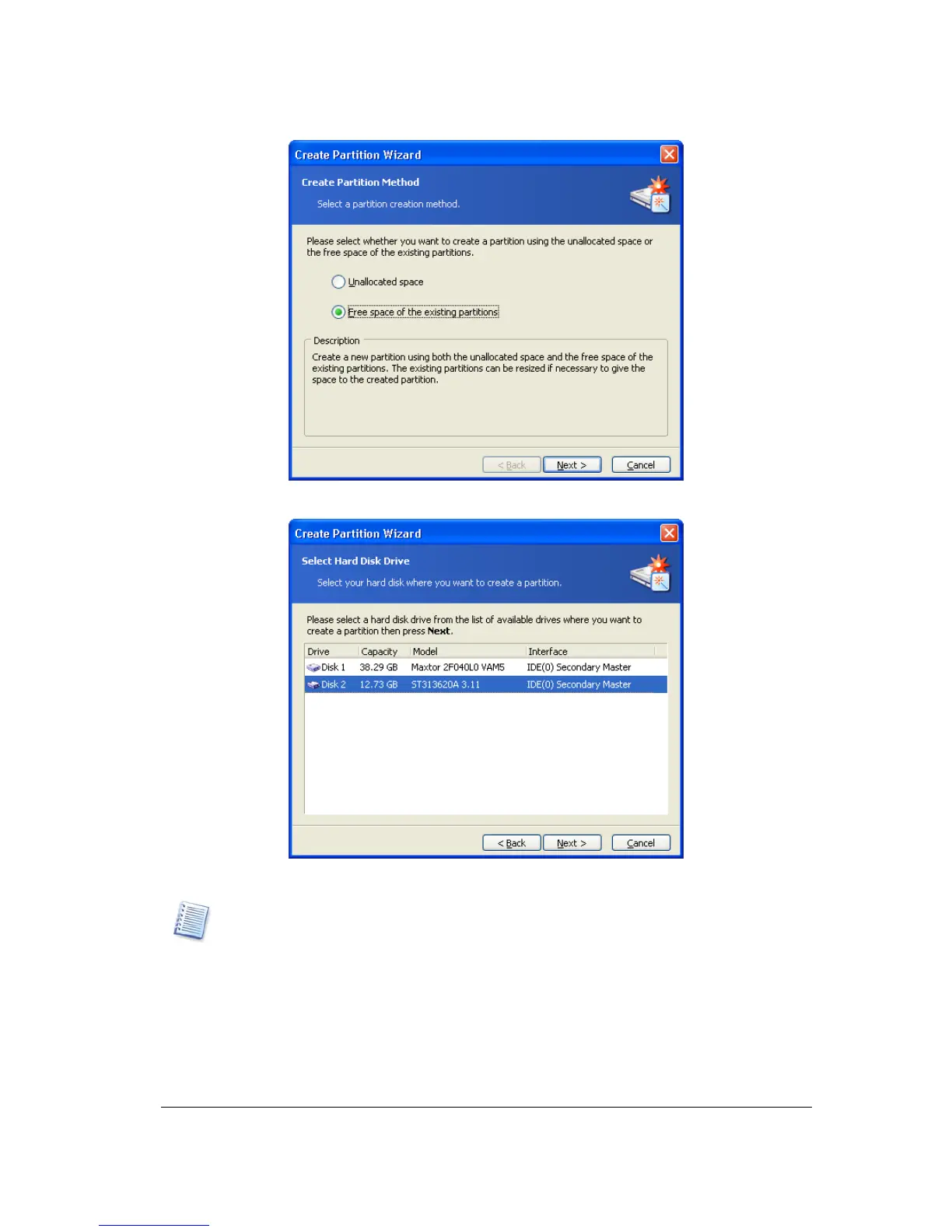
2. On the Select Hard Disk Drive wizard page, select a disk on which to create a
partition.
Partition disk selection page
Appendix B «Glossary» — «Physical disk», «Logical disk».
3. On the next Select Partitions wizard page, select the disk partition(s) whose space
you want to use to create a new partition.
This means that if these partitions have free space, their size can be reduced. As a result,
the freed space will be automatically considered as unallocated (not used by any
partitions). A new partition can be created in this space.



 To Next Page