Manual Partition Operations
64
Copyright © Acronis, Inc., 2000–2010
2. Select Disk Advanced Change Bytes per i-node or a similar item in the Advanced
sidebar list, or click
Change the number of bytes per i-node on the toolbar (or
select it from partition or the graphical representation context menu).
If you select a partition with another file system, mentioned sidebar and con
items will be unavailable.
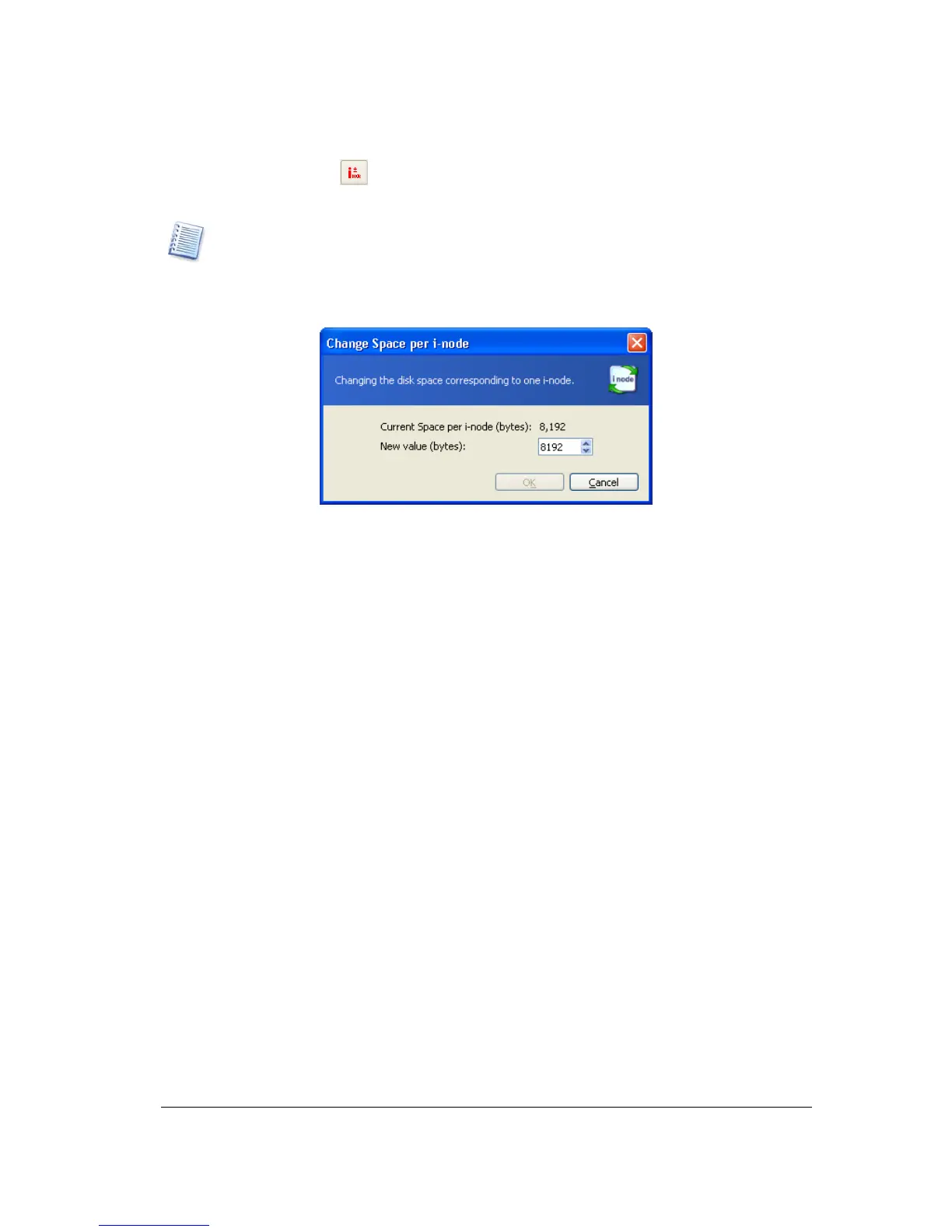
3. Enter the new amount of bytes per descriptor (i-node) in the Change bytes per i-node
window.
Resize i-node window
4.
By clicking OK in the Change bytes per i-node window, you'll add the pending
operation of Linux Ext2/Ext3 partition i-node resizing (your actions may only undo or
modify an existing operation, See
3.4.5 «Modifying pending operations»).



 To Next Page