Working with Acronis Recovery Expert
70
Copyright © Acronis, Inc., 2000–2010
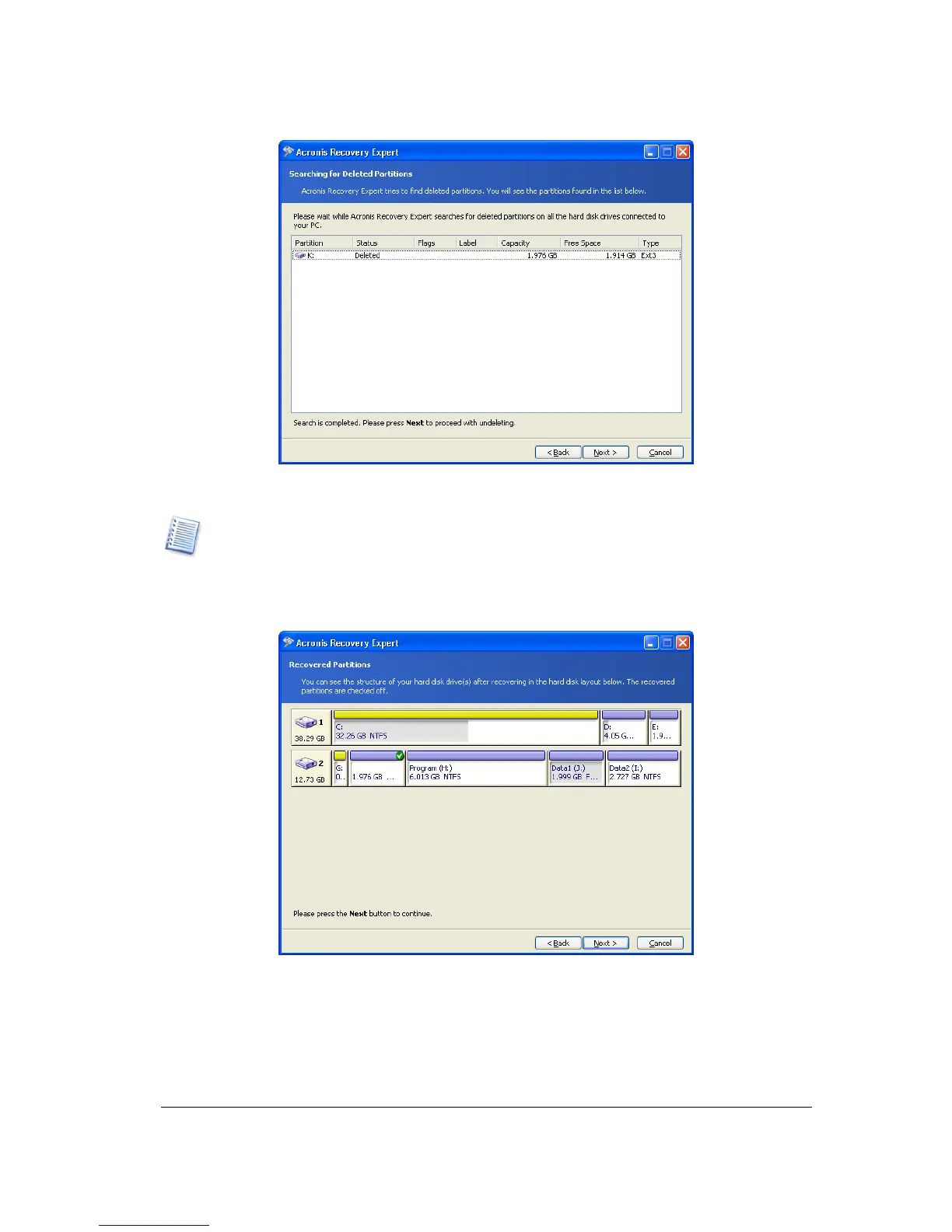
A deleted partition found
Note that you do not have to select partitions for recovery in the automatic mode. Acronis
Recovery Expert will recover
all partitions found.
The Recovered Partitions window shows a partition to recover as a part of hard disk
partition structure, marking it with an icon in the upper right corner of its rectangle.
A hard disk partition to be recovered
A partition has been found by Acronis Recovery Expert and is shown in the disk structure,
but has not yet been recovered.
This finishes partition recovery preparations. To complete this operation, select Commit
in the Operations section of the Main menu. This will complete the given partition
recovery.



 To Next Page