Working with Acronis Recovery Expert
Copyright © Acronis, Inc., 2000–2010
73
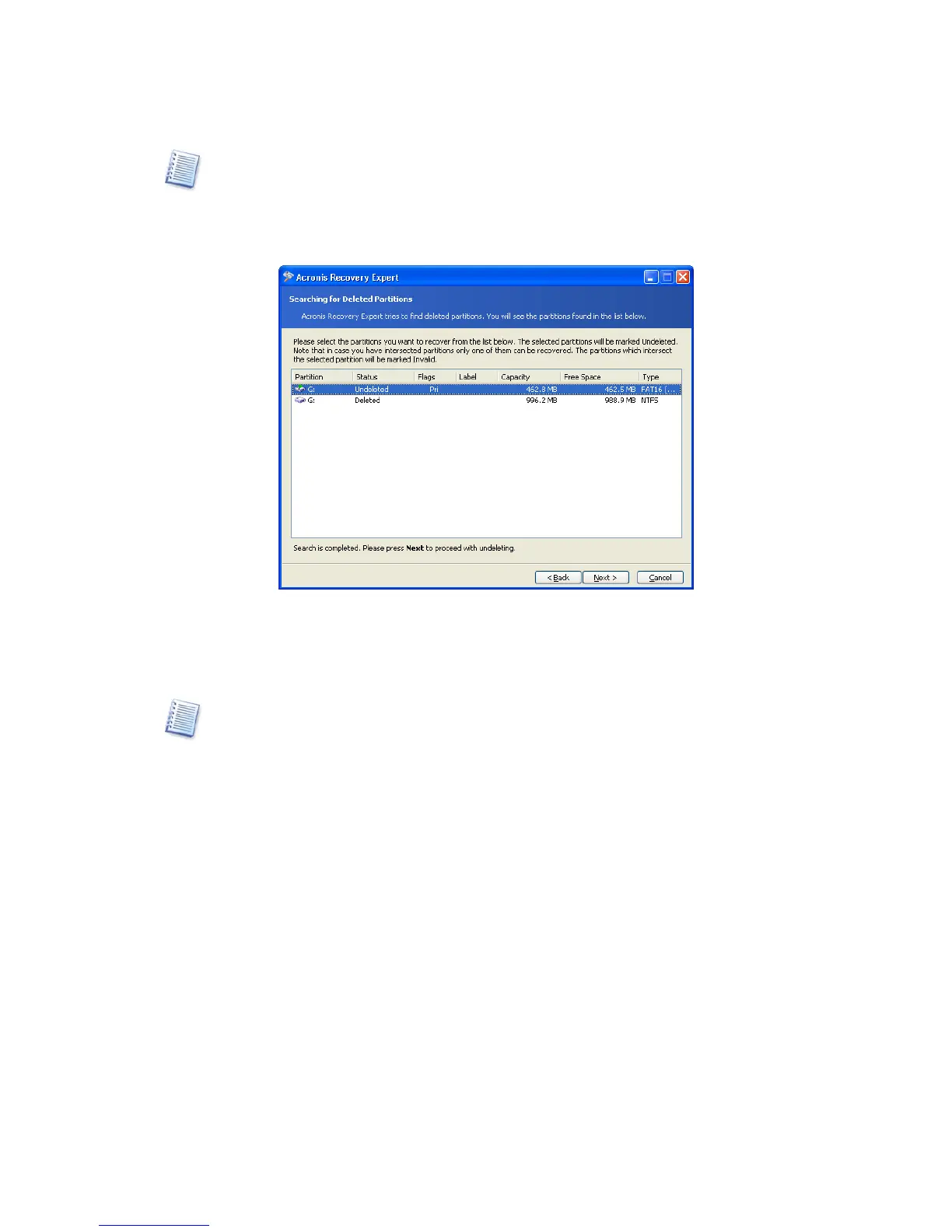
The manual recovery mode allows you to select all found partitions for recovery. For
example, if one of your partitions was deleted intentionally and another by mistake, the
Partitions are selected for recovery by clicking them.
Click the partition rectangle to select the deleted partition and continue recovery.
A deleted partition selected for recovery
This finishes partition recovery preparations. To complete this operation, select Commit
in the Operations section of the Main menu.
If you exit Acronis Disk Director Server without confirming a partition recovery operation, it
will be canceled.



 To Next Page