Bootable Media Builder
84
Copyright © Acronis, Inc., 2000–2010
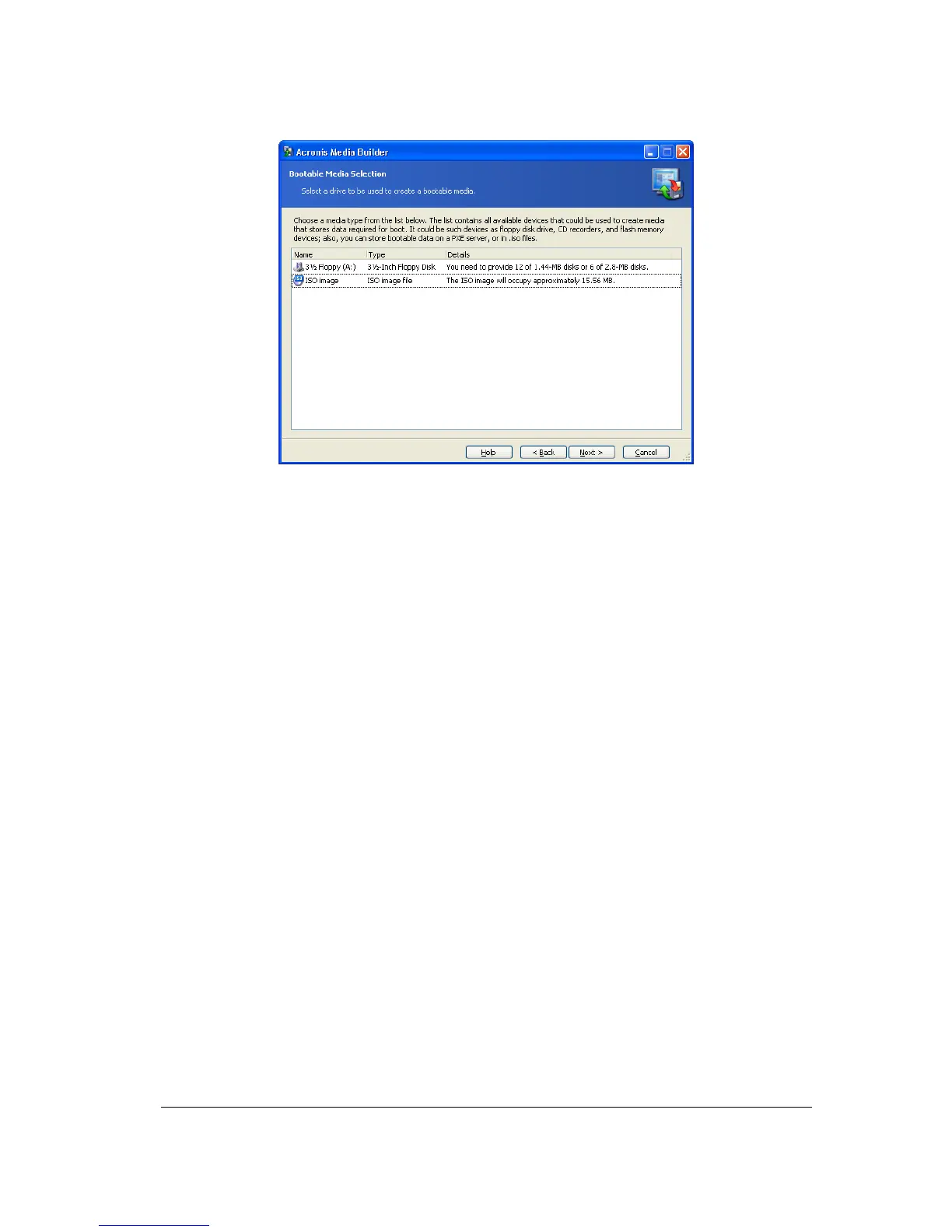
Selecting type of the bootable media
4. If you are creating a CD, diskettes or any removable media, insert the blank disk so
the program can determine its capacity. If you chose to create a bootable disk ISO image,
specify the ISO file name and the folder where to place it. If you chose to save bootable
data on PXE server, specify the server and provide the user name and password to access
it.
5. Next, the program will calculate how many blank disks are required (in case you have
not chosen ISO or PXE) and give you time to prepare them. When you are finished, click
Proceed.



 To Next Page