P a g e 20 SAF’IR EVOLUTION Instruction Manual
Passive detection
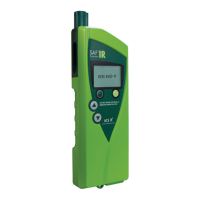
For passive testing, simply hold the SAF’IR EVOLUTION and point the opening on the left side
of the sampling port towards the mouth of the subject to be tested (no mouthpiece
required). This feature may also be used to test beverages or the ambient environment that
potentially contains alcohol.
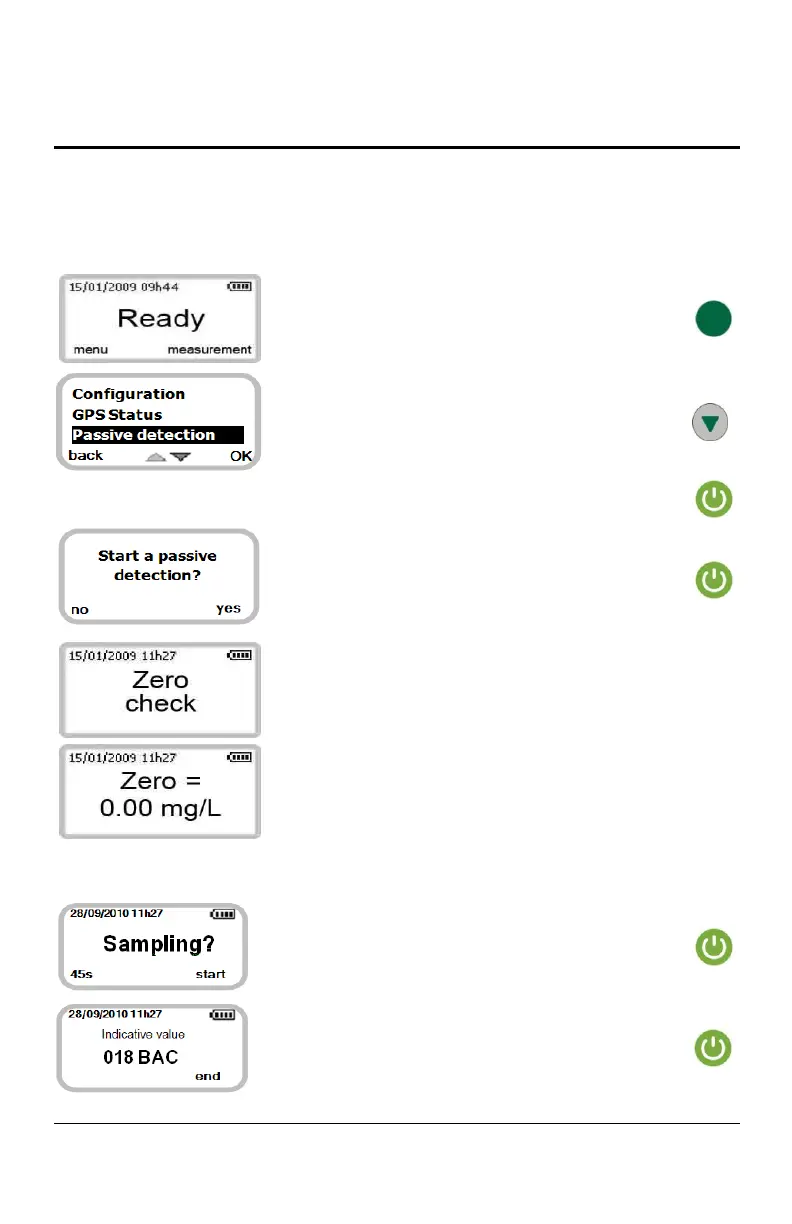
Press the green button to select MENU.
Scroll down the menu options using the DOWN
button and select PASSIVE DETECTION.
Press the start button to select OK.
Press the start button to select YES.
The sampling pump activates to clean the
measuring chamber.
The base line is measured.
At this point, place the SAF’IR EVOLUTION with the sampling port opening towards the
subject to be tested.
Press the start button to select START.
Check the result on the display. Press the start
button to select END and return to READY.


 To Next Page