P a g e 22 SAF’IR EVOLUTION Instruction Manual
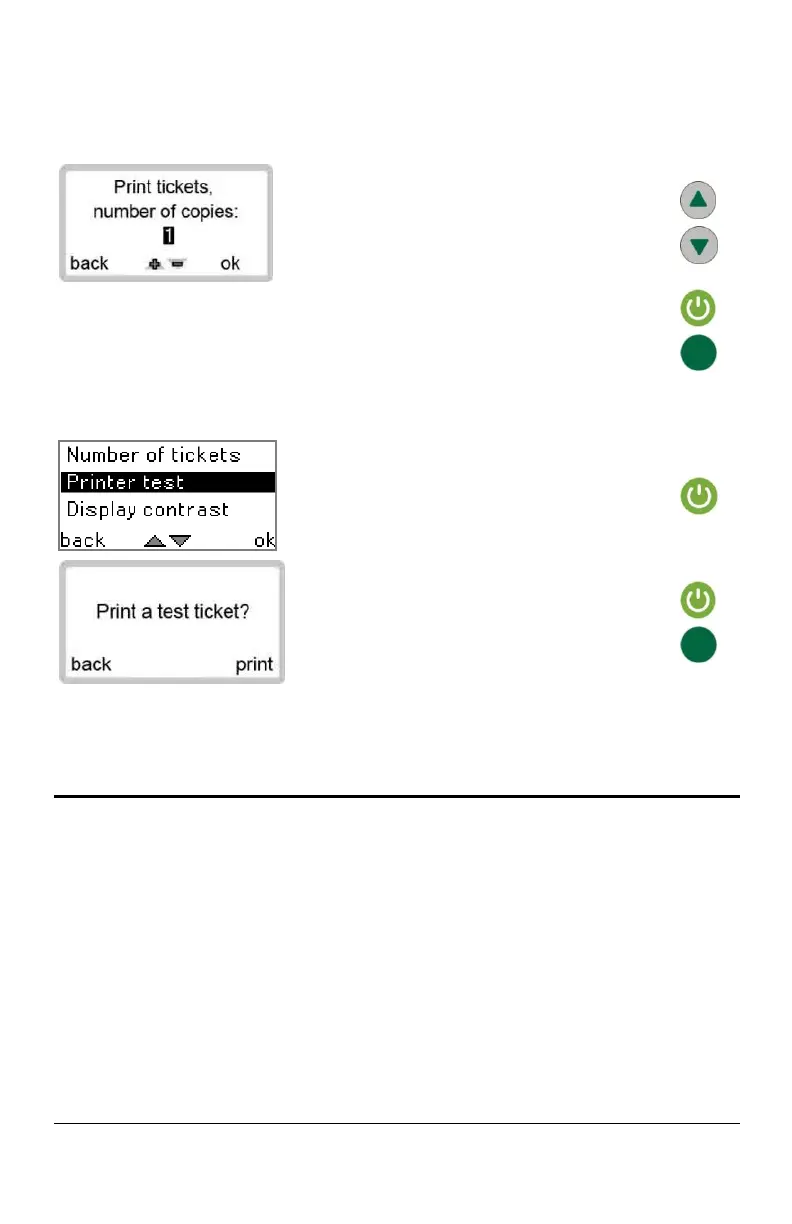
Use the UP or DOWN buttons to adjust the
values accordingly.
Press the start button to save the changes or
the green button to select BACK and exit
without saving.
On PRINTER TEST, press the start button to
select OK.
Press the start button to print the test ticket or
the green button to select BACK and exit.
Printing the results
An optional printer can be purchased to print the BAC results on site. This rechargeable
battery operated printer connects to the SAF’IR EVOLUTION using a cable or Bluetooth
wireless connection. The printer kit includes:
Portable printer
Paper roll
Power adapter
Battery pack
Rubber case


 To Next Page