EasyManua.ls Logo

Acson IM-CKA-0501-ACSON - User Manual

Acson IM-CKA-0501-ACSON
22 pages
Print Icon
To Next Page IconTo Next Page
Loading...
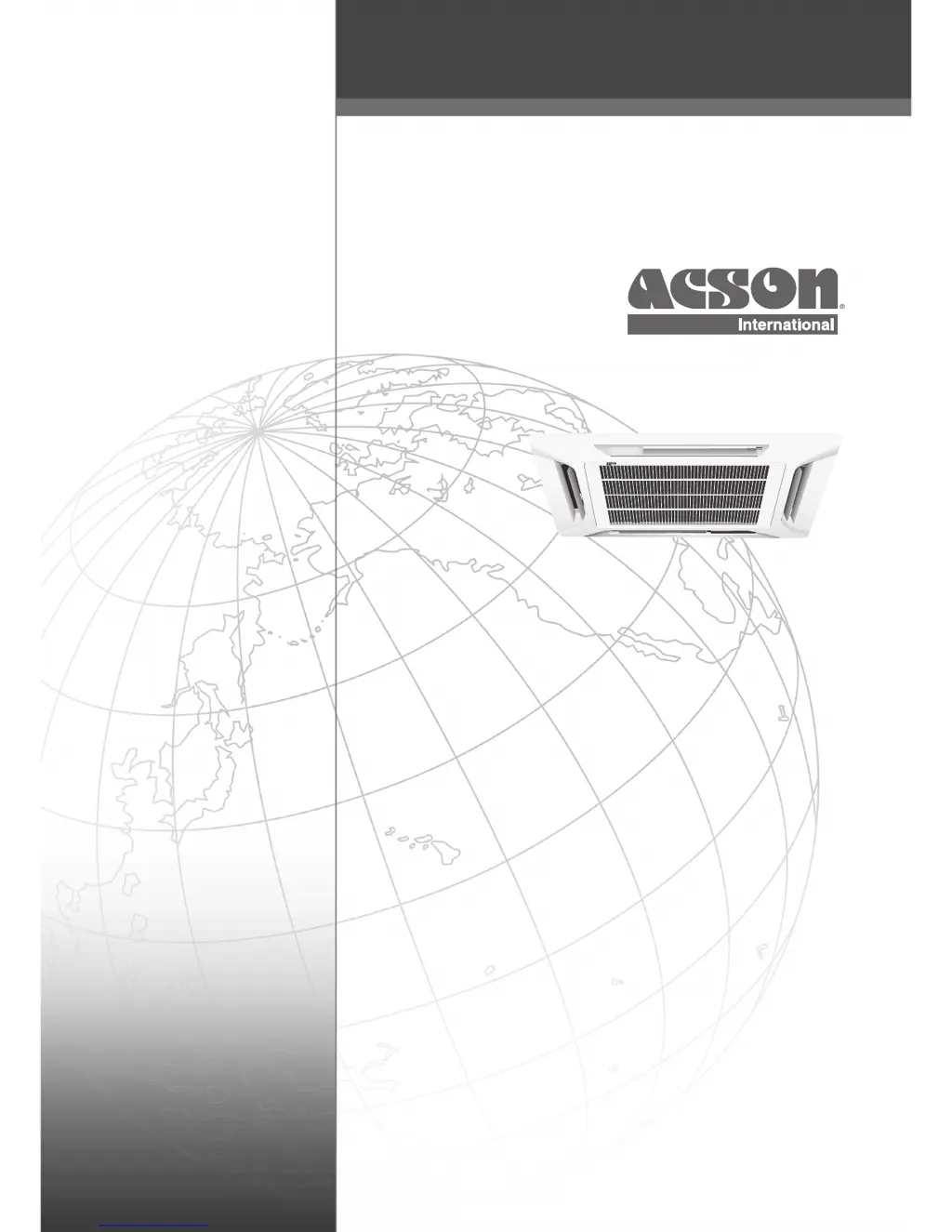
CEILING CASSETTE
SPLIT TYPE AIR CONDITIONER
(A Series)
Model: IM-CKA-0501-ACSON
CEILING CASSETTE
INSTALLATION MANUAL

Questions and Answers

  • S
    Scott WilliamsAug 1, 2025
    What to do if my Acson IM-CKA-0501-ACSON unit does not operate?
    • M
      Michael PhelpsAug 1, 2025
      If your Acson Air Conditioner unit isn't operating, first check the power supply and reconnect the power plug if it's disconnected. Also, verify the delay timer settings. If the problem continues after checking these, please contact the air conditioner unit installer.
  • L
    Lisa Delgado DDSAug 7, 2025
    How to fix low air flow in Acson Air Conditioner?
    • A
      Andrew VegaAug 7, 2025
      If the air flow from your Acson Air Conditioner is too low, start by cleaning or replacing the air filter. Ensure that all doors and windows are closed. Clear any blockages from the air suction and discharge points. If the issue persists, adjust the temperature setting to a higher level.
  • C
    Cody DavisAug 13, 2025
    Why is there condensation on my Acson IM-CKA-0501-ACSON?
    • A
      Adam WebbAug 13, 2025
      Condensation on the front air grille of your Acson Air Conditioner's indoor unit is typically due to air humidity or a low temperature setting after prolonged operation. To resolve this, increase the temperature setting and operate the unit at a high fan speed. You can also try simply increasing the temperature setting.
  • J
    Jason LynchAug 19, 2025
    How to remove bad odor from Acson Air Conditioner?
    • R
      rdominguezAug 20, 2025
      If you notice a bad odor from the discharge air flow of your Acson Air Conditioner, it may be due to particles like cigarette smoke or perfume adhered to the coil. Clean the coil to remove these odors.
  • C
    Christopher MillerAug 26, 2025
    Why does my Acson IM-CKA-0501-ACSON Air Conditioner make a hissing sound?
    • R
      Robert GrayAug 26, 2025
      The hissing sound is caused by the refrigerant fluid flowing into the evaporator coil.

Summary

Outline and Dimensions

Indoor Unit Dimensions

Details dimensions of the indoor unit (CKA Series).

Outdoor Unit Dimensions

Provides dimensions for the SL-B series outdoor units.

Safety and Notices

General Cautions and WEEE Compliance

Warns about hazards and details WEEE regulations.

Safety Precautions

Installation Diagrams

Indoor Unit Installation - Part 1

Preliminary Site Survey and Unit Placement

Covers preliminary site survey and clearance for indoor unit.

Unit Mounting and Hanging Procedures

Details the process of mounting and hanging the indoor unit.

Indoor Unit Installation - Part 2

Drain Piping and Testing

Explains drain piping, testing, and proper installation.

Front Panel Installation

Details the process of installing the front panel and air intake grille.

Outdoor Unit Installation

Outdoor Unit Site Survey and Placement

Covers preliminary site survey for outdoor unit placement.

Outdoor Unit Mounting and Clearances

Details firm, horizontal installation and required clearances.

Refrigerant Piping Work

Piping Length and Elevation Guidelines

Advises on optimal piping length, elevation, and bends.

Refrigerant Piping Connection Procedures

Describes proper techniques for connecting refrigerant pipes.

Electrical Wiring Connection

Wiring Specifications and Diagrams

Provides specifications for wiring and connection diagrams.

Refrigerant Handling and System Charging

Special Precautions for R410 A;R407 C Refrigerants

Highlights specific handling instructions for R410A and R407C refrigerants.

Vacuuming and Charging Procedures

Details the steps for system evacuation and refrigerant charging.

Charging Unit with Copeland Scroll Compressors

Charging Procedures for Scroll Compressors

Outlines specific charging methods for single and three phase compressors.

Accessory Parts

Short Duct and Sealing Material

Describes accessory parts for ducting and sealing.

Indicator Lights and Remote Control

Overall Checking

Operation and Maintenance Information

Standard Operation and Auto Restart

Covers standard operating conditions and auto restart function.

Service and Maintenance Guidelines

Provides maintenance procedures for indoor unit parts.

Troubleshooting

Fault Diagnosis and Solutions

Lists common faults, their causes, and recommended actions.

Phase Sequencer Fault Indicators

Explains phase sequencer LED indicators for fault conditions.

Acson IM-CKA-0501-ACSON Specifications

General IconGeneral
BrandAcson
ModelIM-CKA-0501-ACSON
CategoryAir Conditioner
LanguageEnglish

Related product manuals