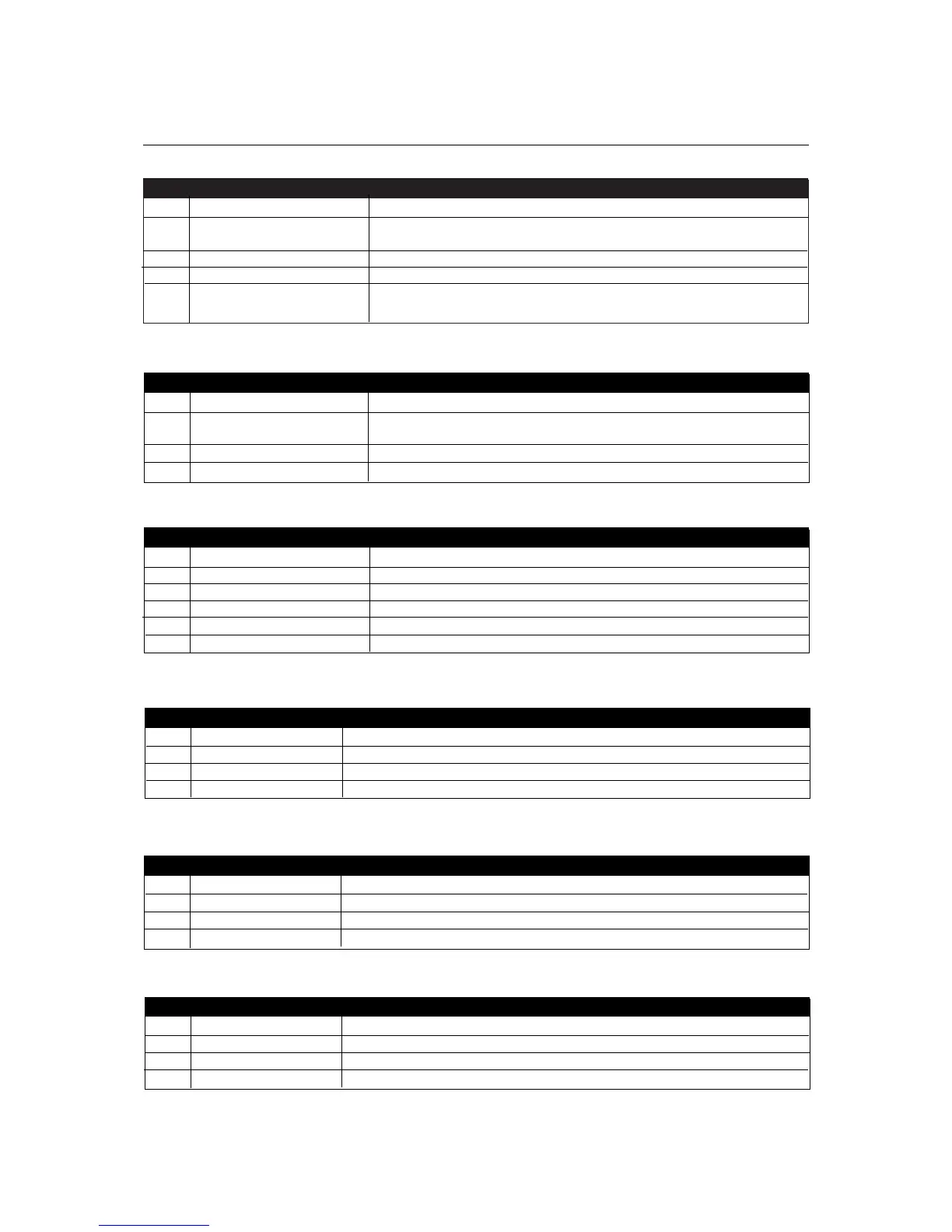
Step Keypad Entry Operation
116 Add Card Batch
2 Enter 10-digit card 10-digit First Card number with leading zeros.
number Eg. Card 54321 enter 0000054321.
3 Enter 10-digit card number Second Card number
4 1-8, (optional)* Select each door to which these cards are enabled
5 Press
✔
End Adding Card Batch — Note: the buzzer will sound while cards are
loaded into memory.
ACTSmart2 Operating and Installation Manual Rev. 1.0
9
Adding a Card Batch using the keypad:
Deleting a Card or Card and PIN using the keypad:
Step Keypad Entry Operation
117 Delete Card or Card and PIN
2 Enter 10-digit card number 10-digit Card number with leading zeros.
Eg. Card 54321 enter 0000054321.
3 1-8, (optional)* Select each door this Card is deleted from
4 Press
✔
End deleting Card (Card and PIN)
Step Keypad Entry Operation
120 Set Door Relay Time - (default 5 seconds)
2 Enter 3 digit time 000-255 seconds - (leading zeros required).
3 1-8 (optional)* Select each door this timer is set for
4 Press
✔
End setting Door Relay Timer
Set Door Relay Time:
Step Keypad Entry Operation
121 Set Door Ajar Time - (default 30 seconds)
2 Enter 3 digit time 000-255 seconds - (leading zeros required).
3 1-8 (optional)* Select each door this timer is set for
4 Press
✔
End setting Door Ajar Time
Set Door Ajar Time:
Set Guest Buzzer Time:
Step Keypad Entry Operation
122 Set Guest Buzzer Time - (default 2 seconds)
2 Enter 3 digit time 000-255 seconds - (leading zeros required).
3 1-8 (optional)* Select each door this timer is set for
4 Press
✔
End setting Guest Buzzer Time
Step Keypad Entry Operation
118 Add random card
2 Enter 1-8, (optional)* Select each door these cards enabled for
3 Press
✔
4 Present Card Add card
5 Present Card (optional)* Repeat for all other cards to be added
6 Press
✔
End adding cards
Add Random Card:


 To Next Page