Pag 7 of 11
hit the target as in the previous point of
this check-list
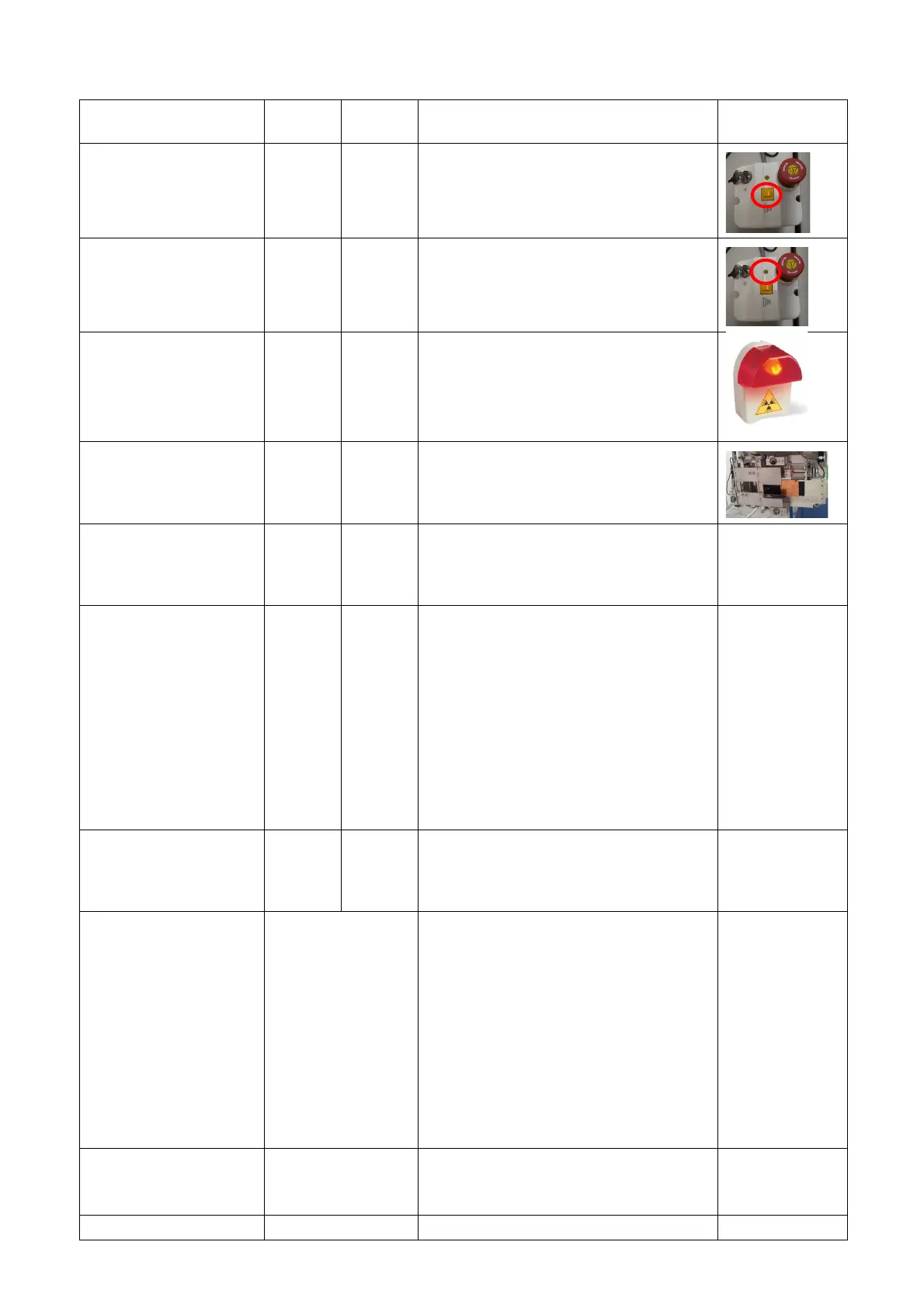
Ensure proper X-ray exposure switch
operation. Release the switch while the
equipment is operating and ensure that
the device stops
Ensure that the X-ray exposure LED is on
during radiation emission
Ensure that the light is on:
• Always when trium is ON or
• Only during X-ray emission
depending on the chosen modality of
external light
Ensure collimator
operation
Verify that the motors move the X-ray
collimator consequently to the selection of
different FOV.
Arm and perform an
acquisition without
selecting the type of
exam
Try to arm the machine and perform an
acquisition without selecting the type of
exam an error message should be
displayed
Ensure key pad panel
operation
Ensure proper operation of all the key pad
panel buttons and LEDs, when a CBCT
exam is selected from AIS.
Note that the following keys are inactive
with the exams defined below:
• Bite up/down: inactive for all PAN-TMJ-
SINUS and CEPH exams
• U arm left/right: inactive for all PAN-TMJ-
SINUS and CEPH exams
• U arm forward/backward/right: inactive
for all CEPH exams
Verify the activation
status of the
XMIND trium Imaging
software.
Open the XMIND trium Imaging software.
If the software is not activated, proceed
with automatic or manual registration.
Check customization
settings for country
CANADA
□
110X80
Disabled
The FOV 11x8 has been
disabled following the request
of the prescribing dentist,
according to the “Standard of
Practice – Dental CT Scanners”
published in 2011 by the Royal
College of Dental Surgeons of
Ontario that sets out specific
professional and educational
requirements for Craniofacial
CT scans (large field of view
with cylinder height of over 8
centimetres).
Check customization
settings for country
GERMANY
“narrow vertical collimator (Germany)”
flagged
“US” flagged – MANDATORY for US















 To Next Page