Hardware Manual
10
Installation Procedures
Step 1: Install the Camera
1. Mark the screw holes or attach the bundled drill template on the target surface.
NOTE: Depending on the surface where you will install the camera, it may be necessary to
drill three (3) holes and use the supplied screw tox.
2. If the cable will pass through the surface, drill the cable hole within the radius of the
camera bracket. If the cable will be routed along the surface, route the cable through
the gap on the bracket.
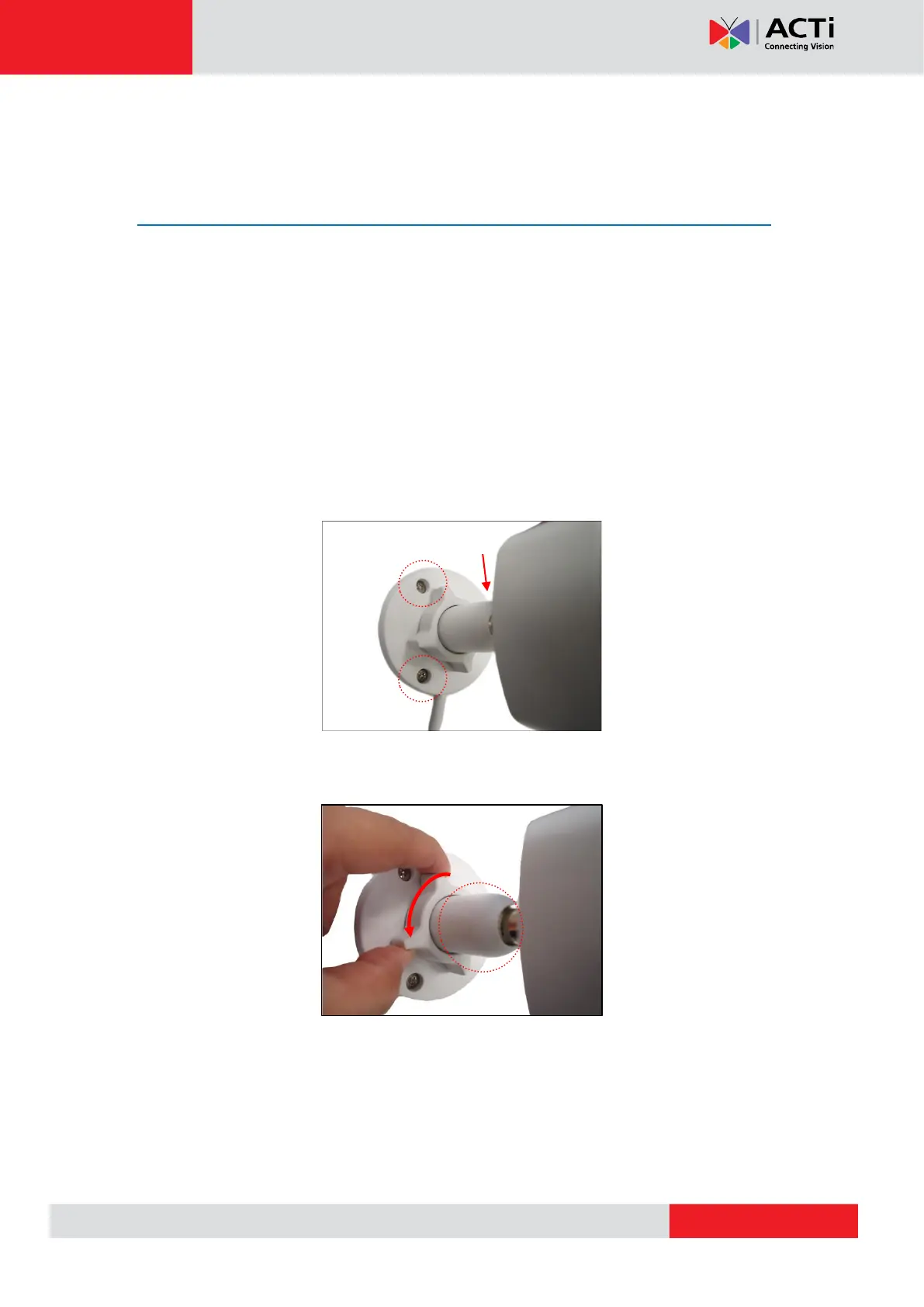
3. Mount the camera to the surface using the three (3) screws.
4. Loosen the knob to adjust the camera tilt and orientation. The camera can be panned by
twisting the bracket stem.



 To Next Page