For Wall Mount Installed Camera, click on the <180° Dual ePTZ>
button to view the dewarped live video as a single 180° view with two
ePTZ views. Users can implement virtual PTZ by rotating the mouse
wheel (for zoom in / out), and drag the mouse into any direction in the
ePTZ live video panes.
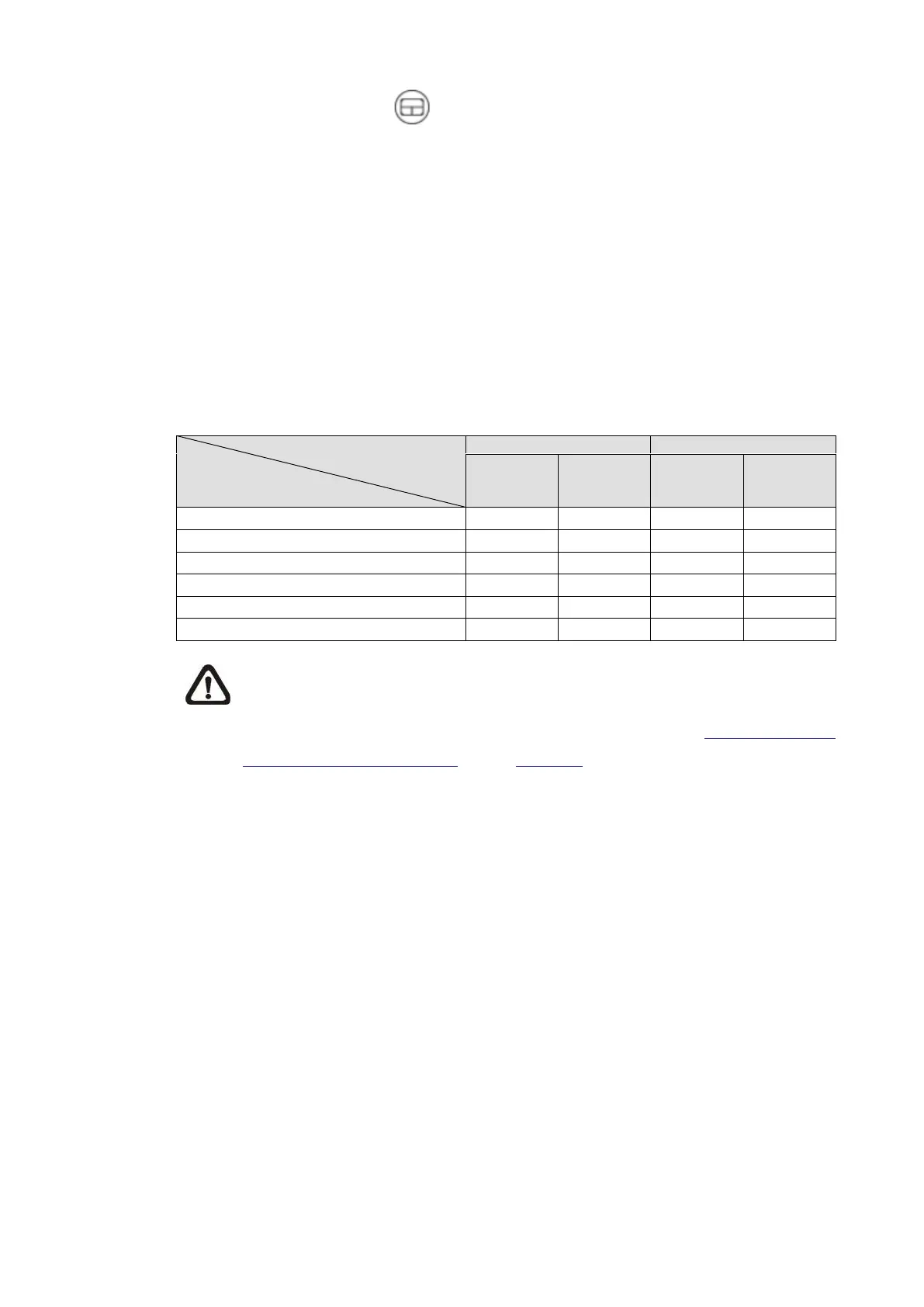
The available Fisheye Image Adjustment buttons are different according to the
dewarping type and installation method selected on the <Fisheye Setting> page.
The following table shows the available buttons in different dewarping types and
installation methods. The supported buttons are represented by “v”.
Dewarping Type/
Installation Method
Button
NOTE: If the Fisheye Dewarping Type is selected as “Front End”, please
go to Streaming tab > Configuration page to set [Source] and
[Resolution] items for stream(s). Refer to the section Fisheye Setting
(Fisheye IP Camera Only) under Camera for further details.



 To Next Page