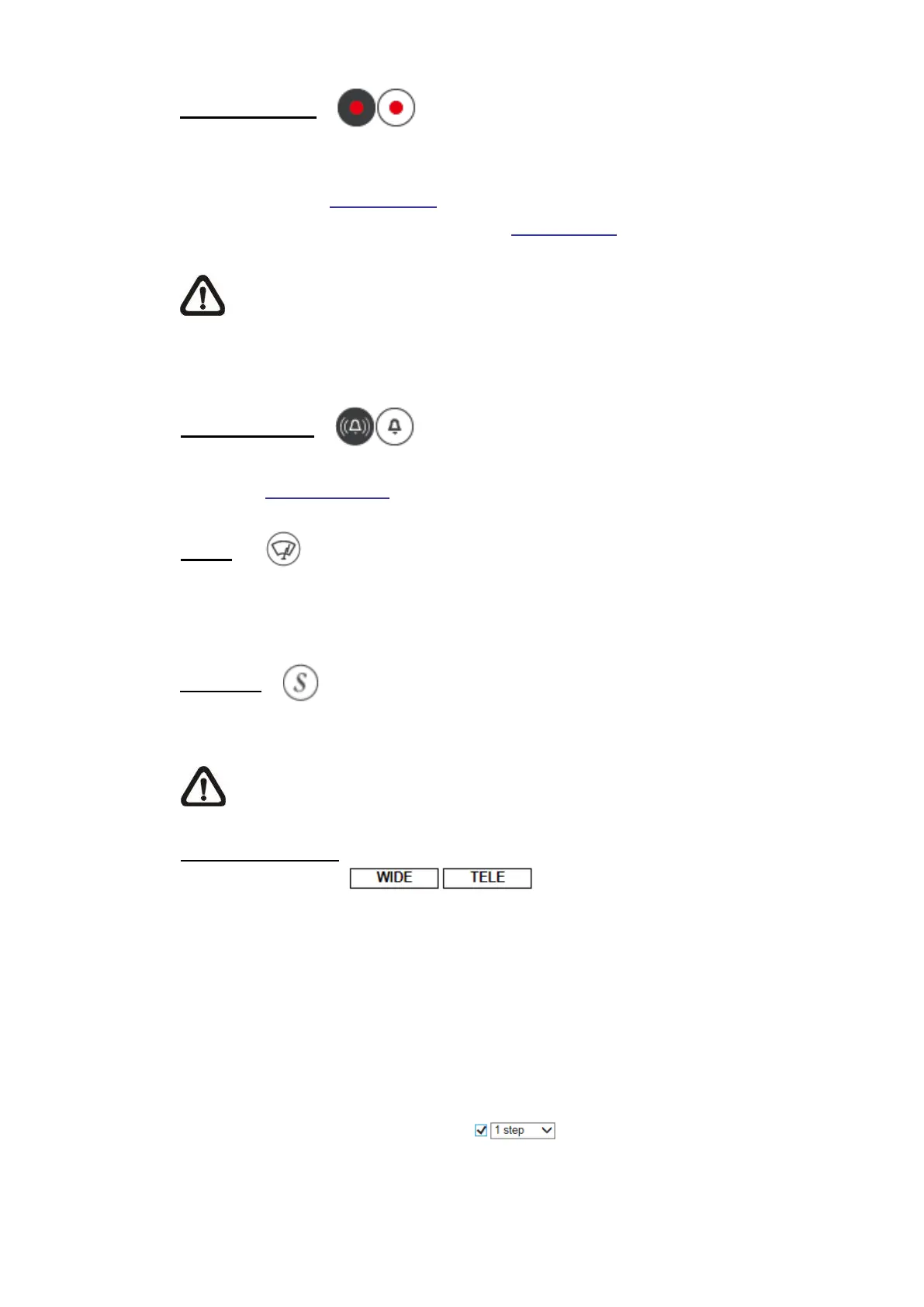
Click on <Record> and the Live View through the web browser will be directly
recorded to the specific location on the local hard drive, which could be
configured in the File Location page. The default storage location for the web
recording is: C:\. Please refer to section File Location for further details.
NOTE: With Windows 7 operating system or above, to implement the
Web Recording function, users must run IE as administrator. To run IE
as administrator, right click on the IE browser icon and select “Run As
Administrator” to launch IE.
Click on <Manual Trigger > to turn on and off the manual trigger. Please refer
to section Manual Trigger of the next chapter for further details.
(Available on select models only)
Click on <Wiper> to manually swipe the wiper on the glass of the lens.
(Stitching Bullet IP Camera Only)
Click on <Seamline> to reset the stitching line of the camera view.
NOTE: The minimum stitching distance is 450 cm. If there are objects too
close, try to avoid the stitching line crossing these objects.
Zoom Adjustment
⚫
Wide / Tele
(Zoom Lens & Motorized Lens Models Only)
Hold the <WIDE / TELE> button, and implement continuous zoom
adjustment.
For zoom lens models, optical zoom in/out functions can also be
implemented by moving the cursor to the live video pane and scrolling
the mouse wheel in Normal View display mode.
⚫
Wide / Tele Steps Button (Motorized Lens Models Only)
Select a Wide /Tele step value from the drop-down menu to shift the
zoom lens according to the define value.



 To Next Page