Hardware Manual
23
Step 3: Install the Camera to the Surface
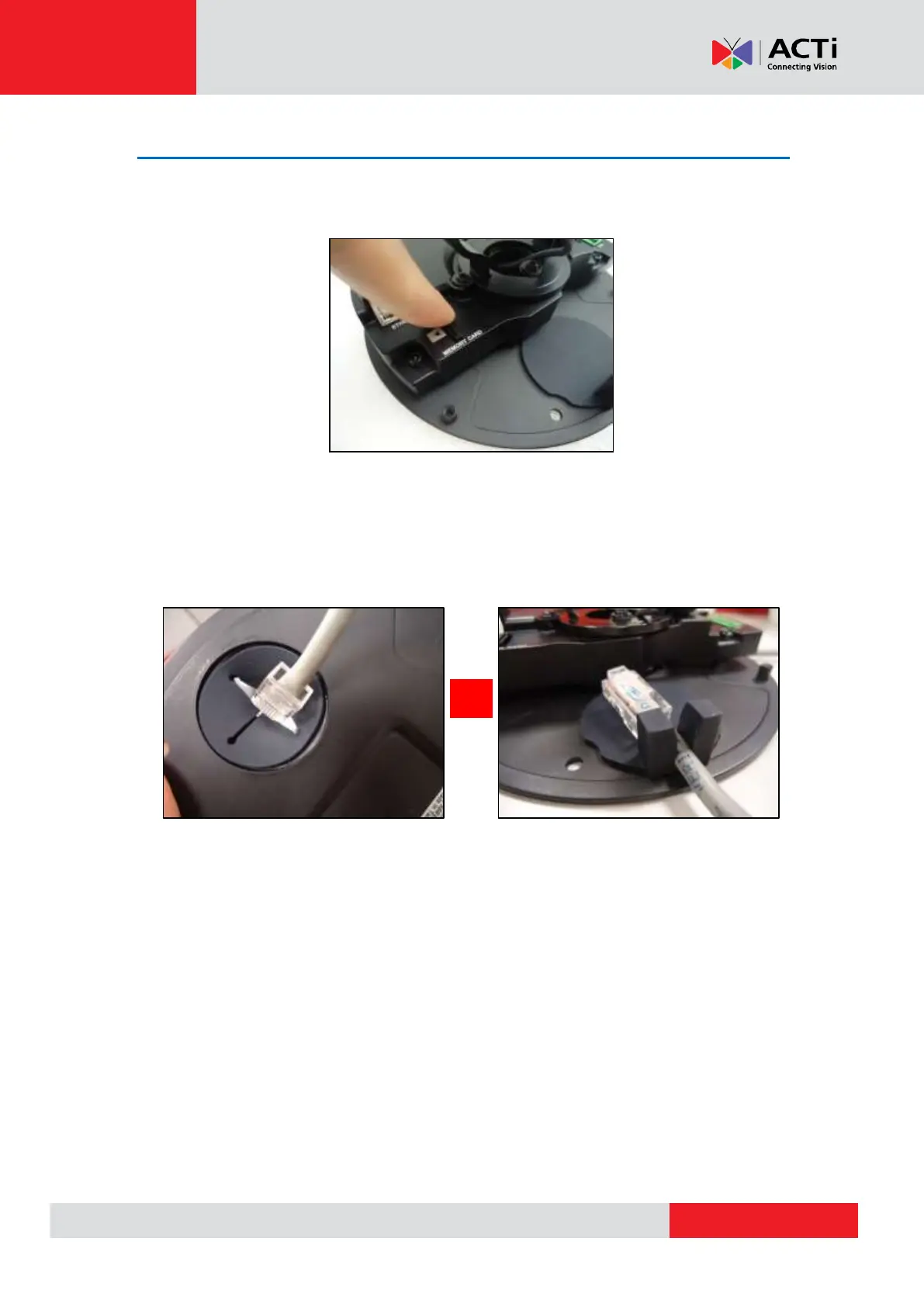
1. If necessary, insert a memory card into the card slot of the camera with the metallic contacts
facing towards the lens.
2. If the cables will pass through the wall or ceiling, break the rubber hole on the camera to
route the cables to pass through the hole. If the cables will be routed along the wall or
ceiling, then simply route the cable through the side hole of the camera.
If cable passes through the wall or ceiling If cable goes along the wall or ceiling



 To Next Page