Hardware Manual
22
Other Adjustments and Accessories
Adjust Camera Focus
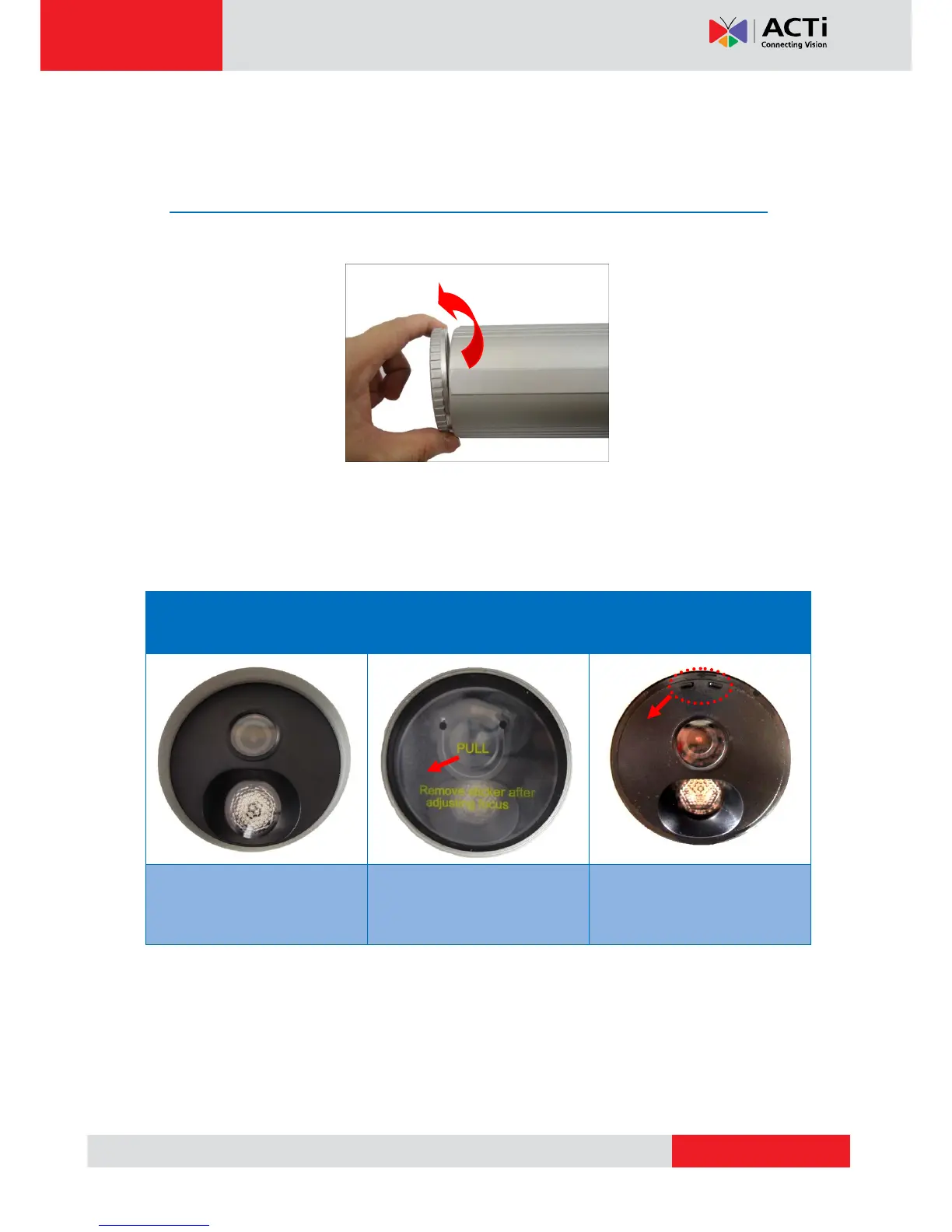
1. Remove the front cover ring.
2. Remove the front cover.
The camera models in this manual have three (3) designs. Check your camera design to
know the suitable step in removing the front cover.
Design #1
Plain Front Cover
Design #2
Front Cover with Sticker
Design #3
Front Cover with Tabs
Detach the front cover using an
adhesive tape or a suction cup
(not included in the package).
Pull the plastic tab to detach the
front cover.
Use pliers to pull and detach
the front cover.
NOTE: For cameras with Design #2, remove the whole sticker from the front cover after
adjusting the focus. The sticker cannot be reattached to the front cover. If the focus needs to
be adjusted in the future, use a suction cup or adhesive tape to detach the front cover.



 To Next Page