Hardware Manual
21
CAUTION: When using electric screwdrivers, be careful not to touch the camera
components while attaching the screws. Since electric screwdrivers vary in sizes, speed, and
force, they may bruise and damage the camera components.
DISCLAIMER: ACTi will not be responsible for camera damage caused by improper
installations or the misuse of equipment for installation.
Step 4: Connect the Cable
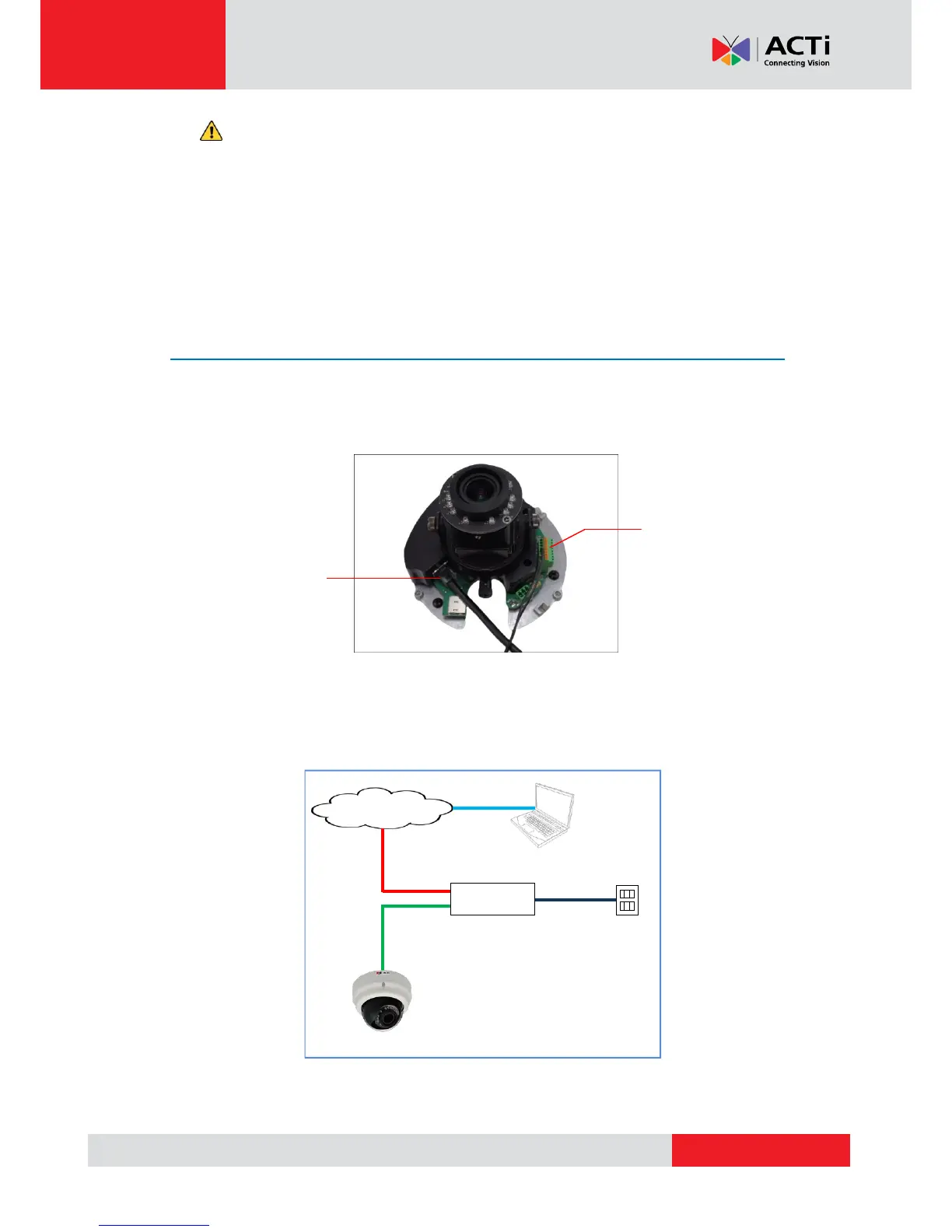
1. Connect the network cable to the Ethernet port of the camera. If necessary, connect other
cable connectors (optional), like audio input/output and DI/DO to the connector on the
camera. See Before Installation on page 14.
2. Connect the other end of the network cable to a switch or injector. Then, connect the switch
or injector to a network, PC and a power source. See Power-over-Ethernet (PoE) connection
example below.



 To Next Page