Hardware Manual
24
How to Rotate the Viewing Orientation
(E96 / E98 / E914)
This section describes the procedures in rotating the viewing orientation of Mini Fisheye Dome
cameras.
1. Open the dome cover.
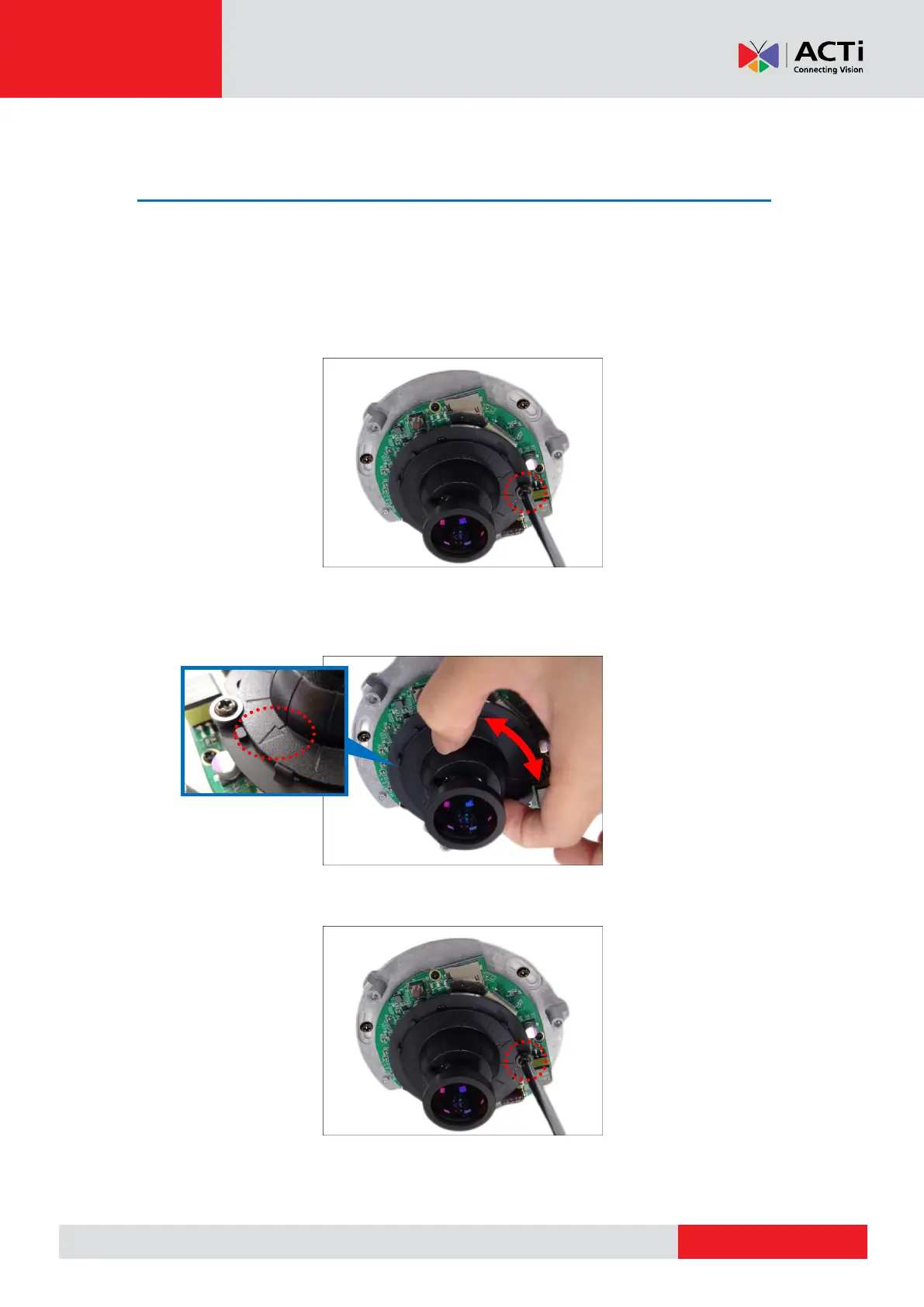
2. Loosen the screw as marked below.
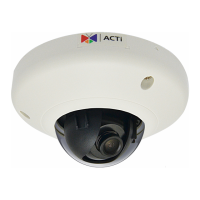
3. Turn the lens holder to rotate the viewing orientation. Note that the arrow indicates the
viewing direction.
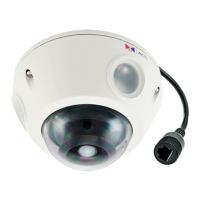
4. When the desired orientation is achieved, tighten the screw to fix the orientation position.
5. Close the dome cover.


 To Next Page