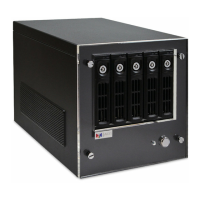
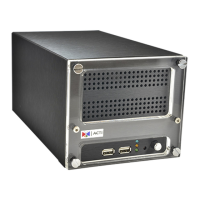
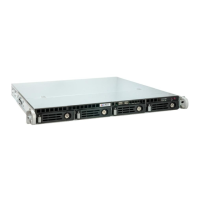
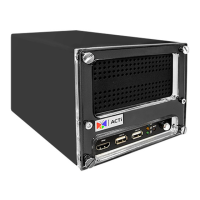
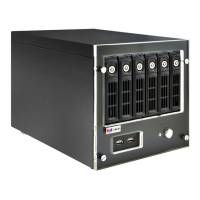
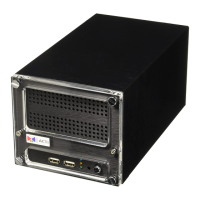
6 Standalone NVR Quick Installation Guide
CREATE DISK VOLUMES
Use Windows Disk Management to create disk volumes so that INR can
access the available storage space.
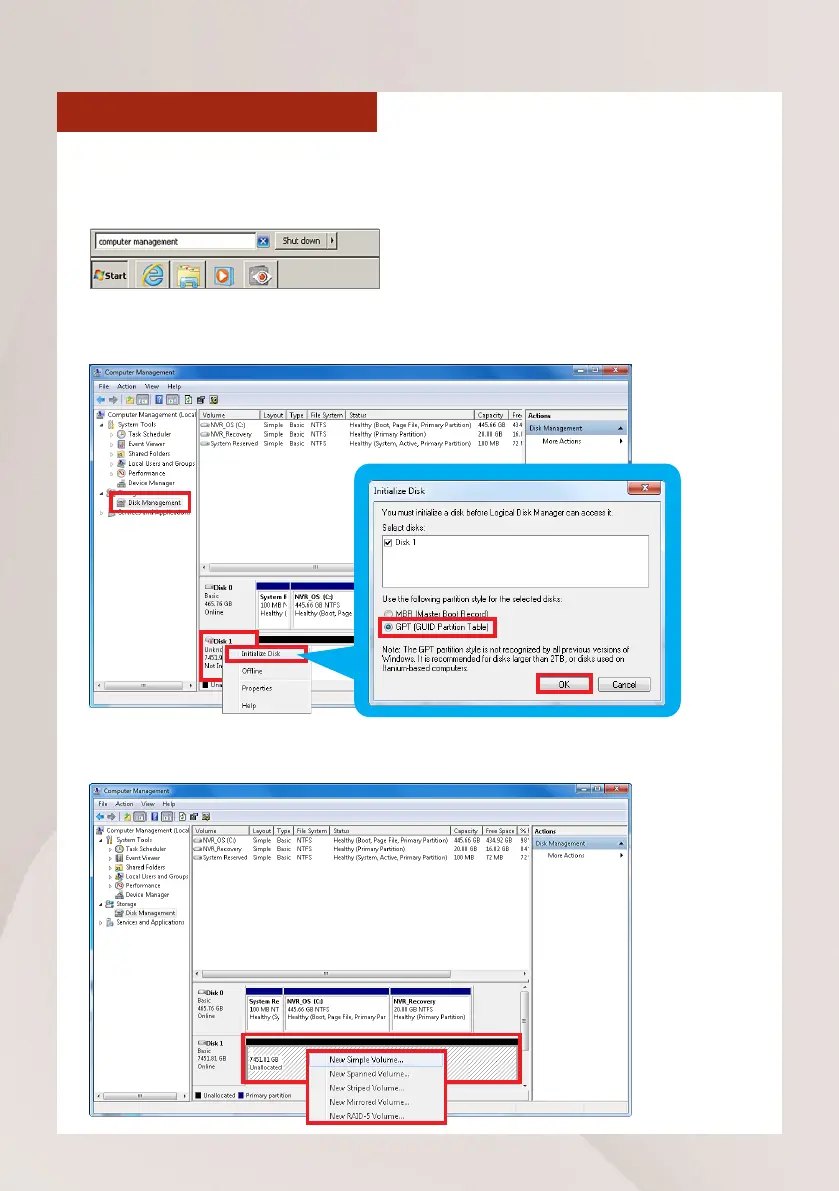
1. In Windows Search Box, search and enter “computer management”.
SOFTWARE CONFIGURATION
2. Select “Disk Management”, right-click on a disk title and select “Initialize
Disk”, choose “GPT” as the partition style and click on“OK”.
3.Right-click on the initialized disk and select the volume type to make a new
volume.



 To Next Page