Hardware Manual
17
Step 4: Connect to the Network
1. Connect the other end of the network cable from the camera to the network. Connect all
other devices, if any.
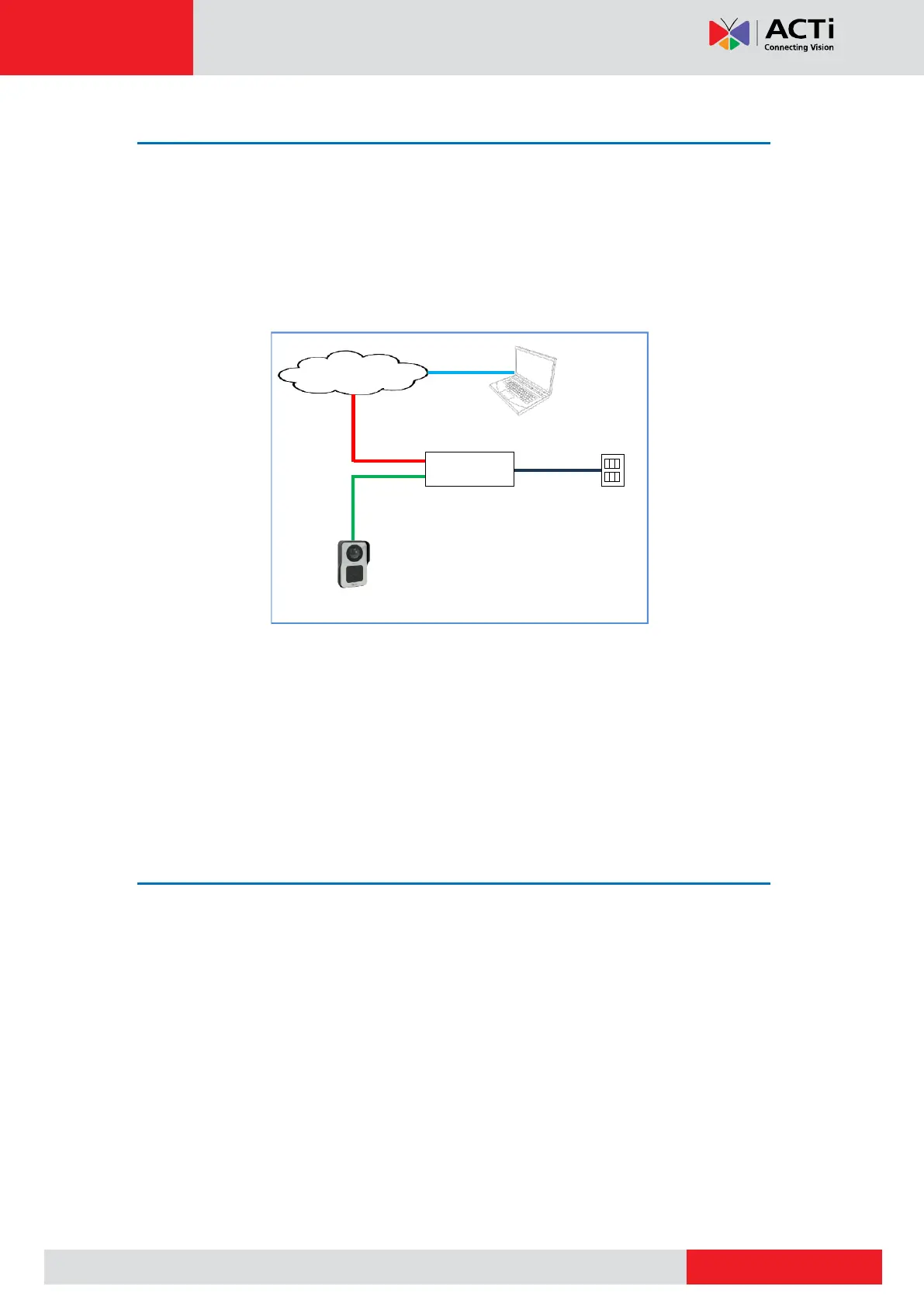
2. Connect the other end to a switch or injector. Then, connect the switch or injector to a
network or PC and a power source. See Power-over-Ethernet (PoE) example connection
diagram below.
PoE Injector /
PoE Switch
Ethernet Cable
(Data + Power)
In case of using a non-PoE switch, power up the camera using a power adapter (not supplied).
See Connecting a Power Adapter (Optional) on page 18 for more information.
3. As needed, connect and power up other devices, such as digital input/output, audio, or
serial device. See Cable Connections on page 18 for more information on connecting
other devices.
Step 5: Access the Camera Live View
See Accessing the Camera on page 27 for more information.



 To Next Page