Hardware Manual
23
Connecting Audio Output Device (Optional)
The camera has built-in speaker for audio output. However, for additional functionality, an
external speaker may be connected to the camera if the built-in speaker is not enough.
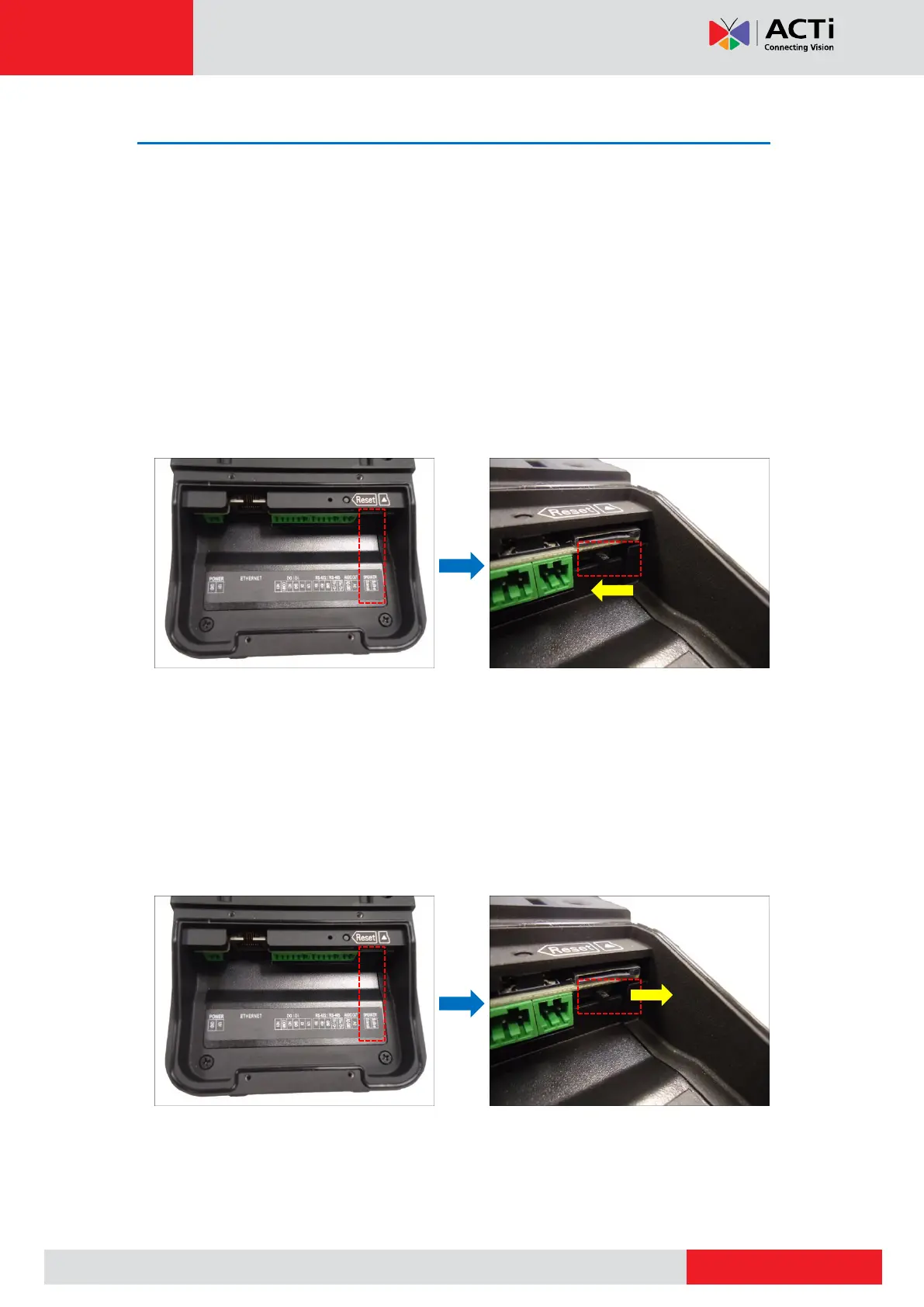
You can use either the built-in or the external speaker at one time. By default, the camera is
configured to use the built-in speaker.
Using the Built-In Speaker
To use the built-in speaker, do the following:
1. Make sure the Audio Switch is set to “Built-in” speaker. If not, slide the switch to the
right.
2. Access the Web Configurator and click the Talk to Camera icon and speak to the
camera (see firmware manual for more information).
Using the External Speaker
To use an external speaker, do the following:
1. Slide the Audio Switch to the left for “External”.



 To Next Page