Hardware Manual
24
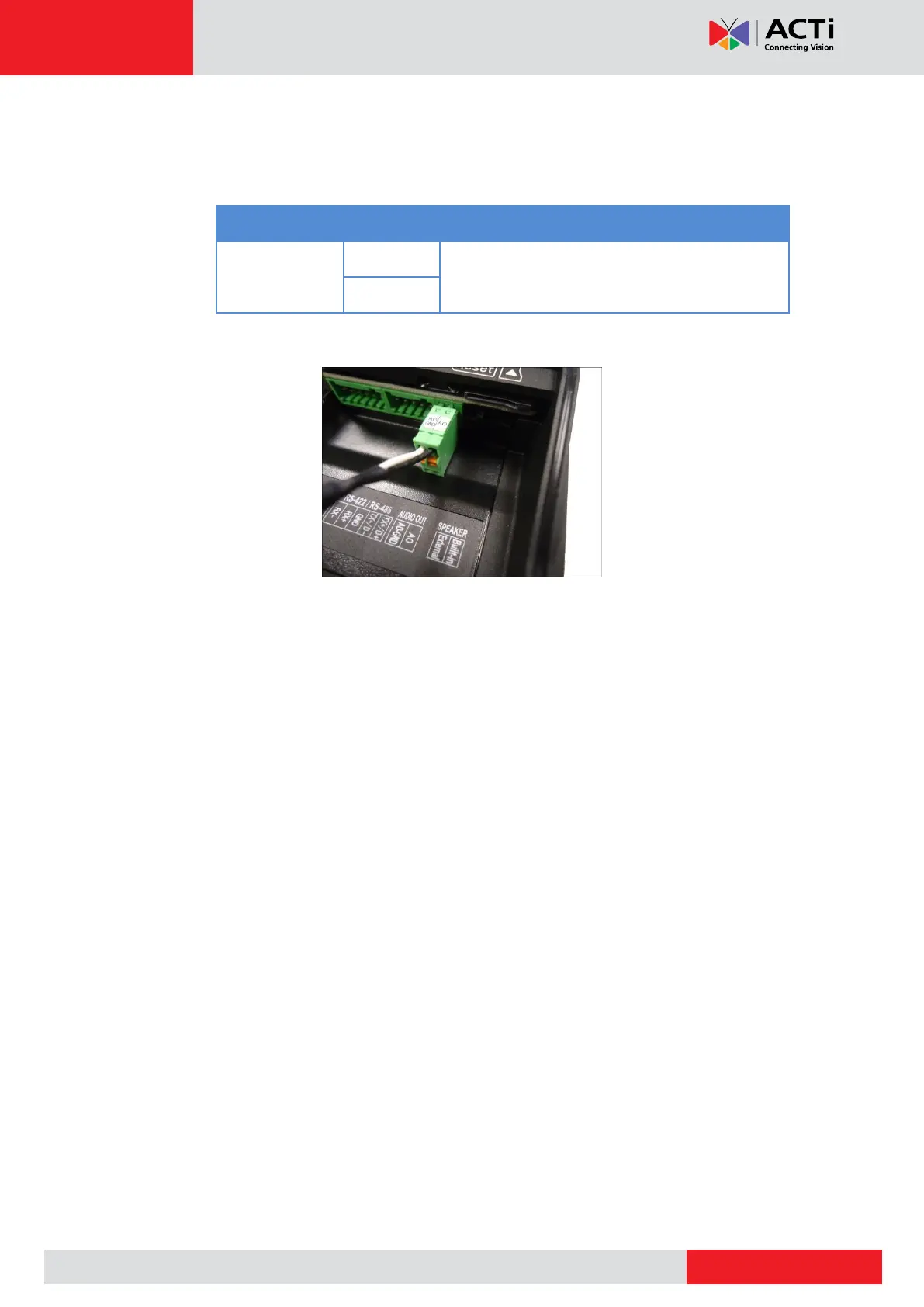
2. Using the bundled audio terminal block, map the pins of the external speaker to the
corresponding pins on the terminal block. Press and hold the orange tab as you insert
the wire through the pin slot.
Connect the wires of the audio output device to
AO-GND (Ground) and AO (Audio Out).
3. Connect the terminal block to the AUDIO OUT connector on the camera.



 To Next Page