Hardware Manual
25
Connecting Serial Devices (Optional)
Depending on your needs, you may connect a serial device to the camera using the RS-422 or
RS-485 protocol.
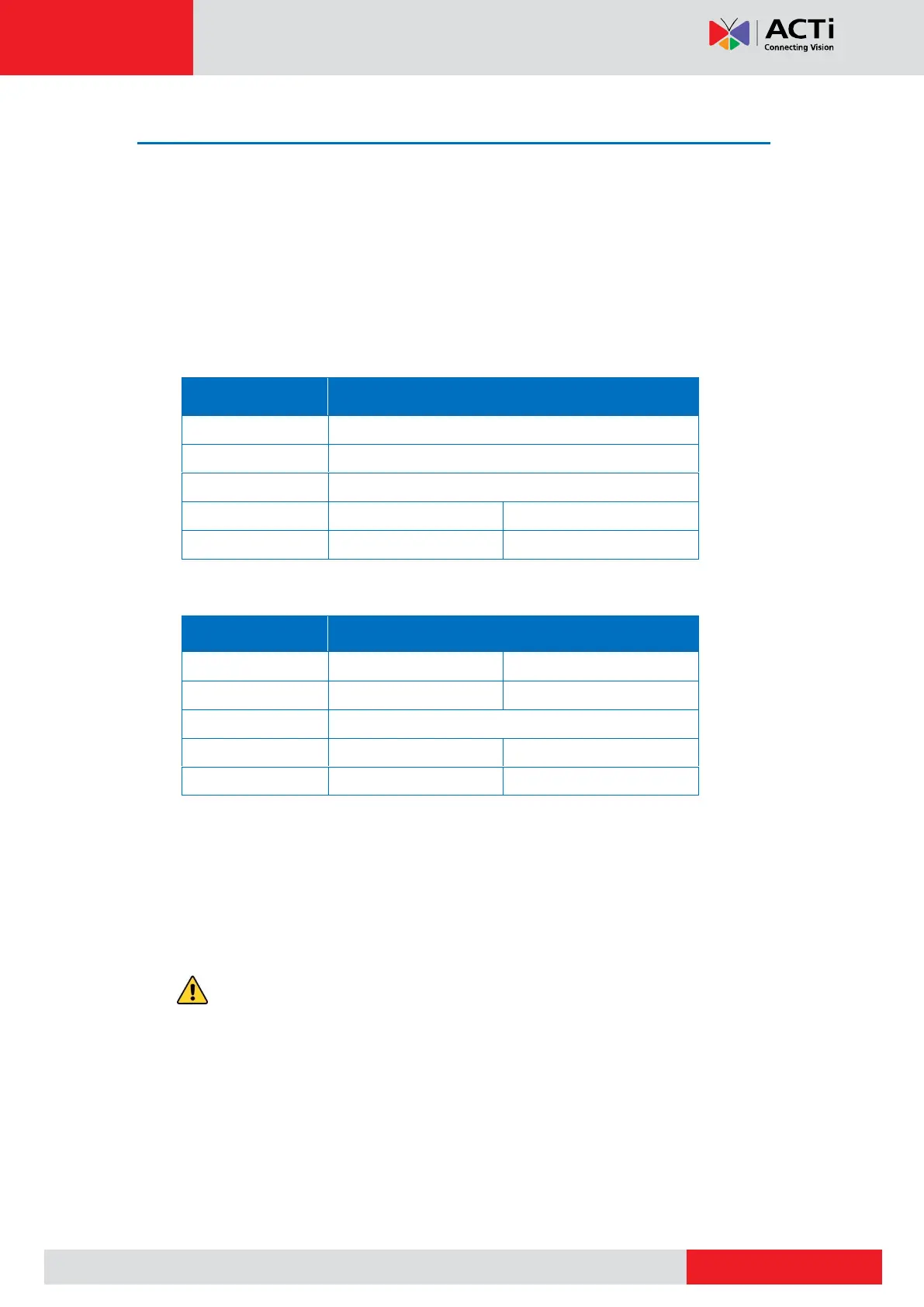
To connect a serial device, map the pins. Press and hold the orange tab as you insert the wire
through the pin slot, then release the orange tab to secure the wire. Then connect the terminal
block to the camera.
Via RS-485 Connection
Via RS-422 Connection
NOTE: The pins of the serial device may be labeled differently depending on the location
or country where the device is purchased. For example, some devices may have RS-485
DATA+ pins labeled as “TX+”, “RX+”, "A” or “485+”, etc. Refer to the device documentation
or contact the manufacturer to verify the corresponding pin labels and ensure proper
wiring connection.
CAUTION: Incorrect wiring may cause damage to the connected devices.
DISCLAIMER: ACTi will not be responsible for any damage caused by improper wiring.



 To Next Page