TCD-2100 Hardware User’s Manual
11
Basic Connections
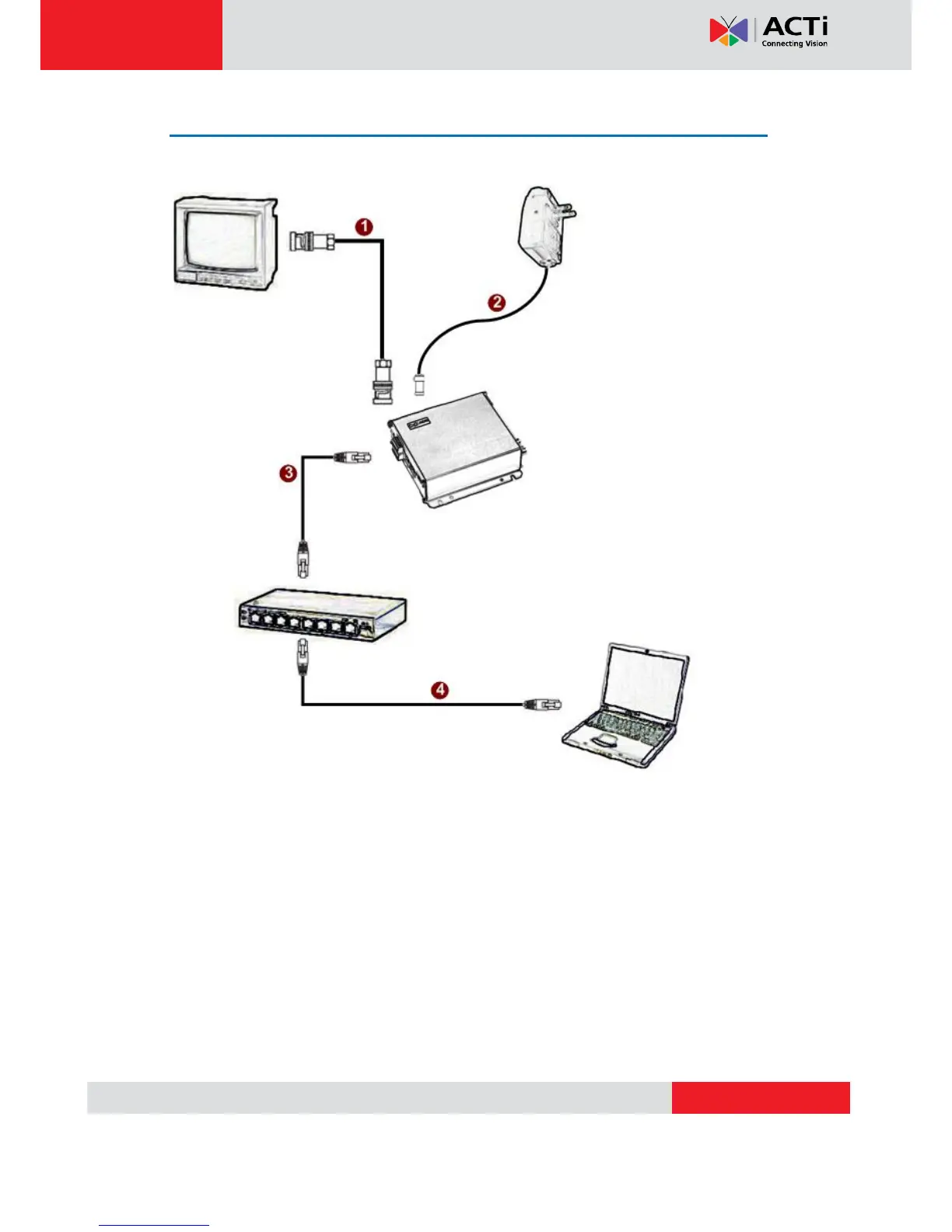
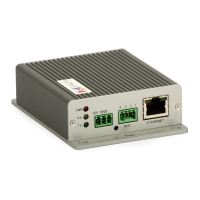
Follow the procedures below to connect the IP device to the respective apparatuses.
1) Connect an analog monitor to IP device video out (BNC connector)
2) Connect the power adaptor to IP device
3) Connect IP device’s Ethernet port to Network switch (via RJ45 connectors).
4) Connect a PC to the Ethernet switch (via RJ45 connectors)


 To Next Page