Hardware Manual
24
How to Connect Audio Input /Output Device (Optional
for Z810 only)
Audio input / output devices, such as an active microphone or speaker can be connected to the
camera using the supplied terminal block which is already connected to the AUDIO cable
connector.
Loosen the screw and insert the wire through the pin slot, then tighten the screw to secure the
wire.
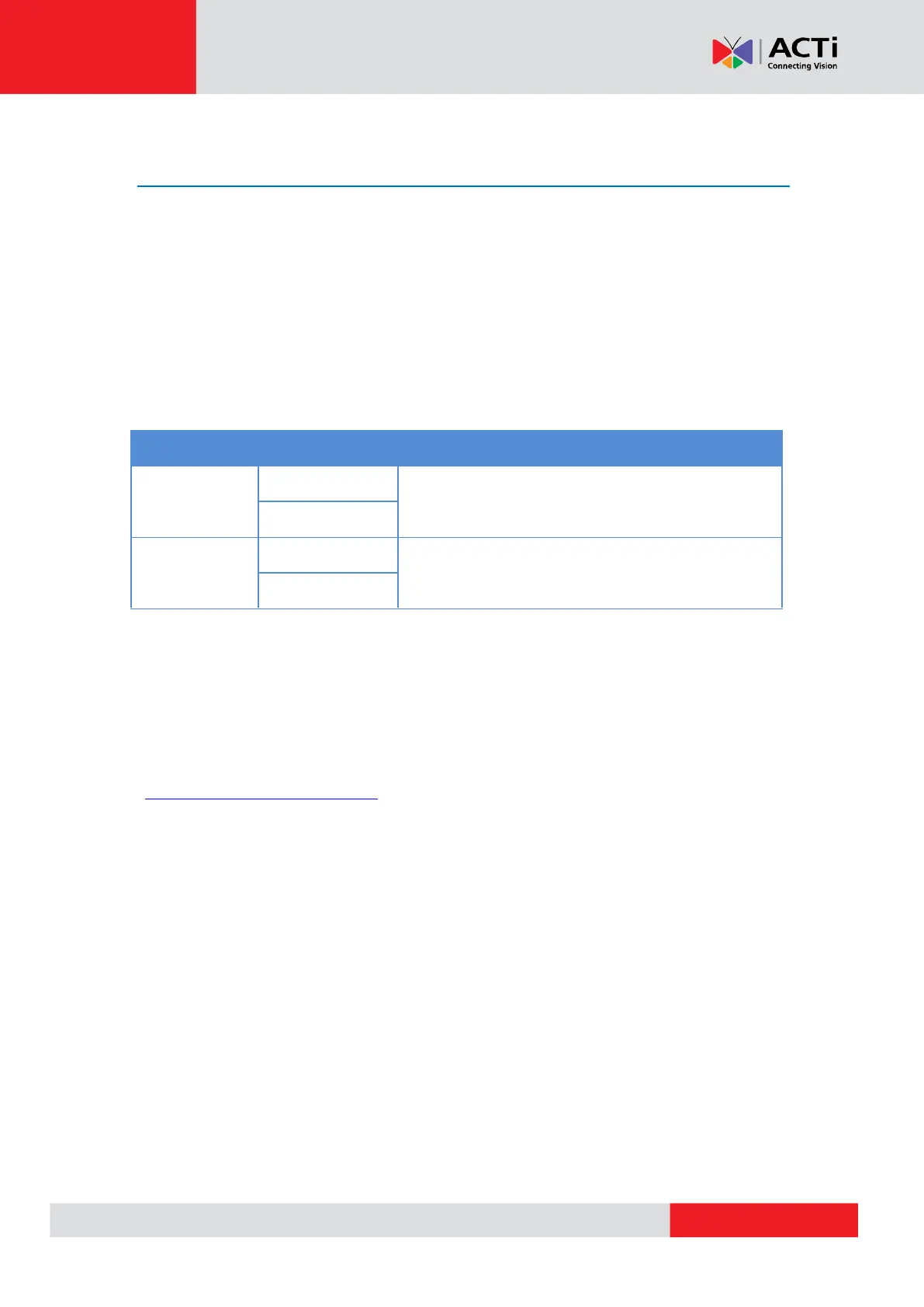
To connect audio devices, map the pins to one of the pin combinations below:
Connect the wires of the audio output device to OUT
and G (Ground).
Connect the wires of the audio input device to IN and
G (Ground).
The camera does not provide power for external devices. Use an external power source to supply
power when using LINE-IN microphones with the camera.
NOTE: For more information about AUDIO in connections, please refer to the Knowledge Base
article How to Use Audio-In of ACTi Cameras, downloadable from the link below
(https://Download.acti.com?id=534).
After mapping the wires to the terminal block, connect the terminal block to the Audio connector
of the camera and make sure to protect the cable connection against water or other
environmental factors, such as by using a waterproof tape.
DISCLAIMER: ACTi will not be responsible for camera damage due to water leakage caused by
improper waterproofing of cables.



 To Next Page