English | 4
To display a user’s last test results, follow the steps below:
Press ‘SET’ button to turn the scales on
Select the correct user by pressing the up and down arrows
Wait for 8 seconds until the user stops flashing or press firmly on the scales
platform
Press up and down arrows to cycle through last results
1.
2.
3.
4.
Place the scales on a solid and level surface
Stepping onto the scales will automatically turn them on. Once a steady
measurement is taken, the final weight measurement will flash on the screen
Scales will automatically switch off when not in use
1.
2.
3.
WEIGHING
Press the ‘SET’ button to switch the unit on
Press the up or down button to select the user or reset the parameters
When the correct user number is flashing, step onto the scales (ensuring both
feet are touching the sensor plates)
Wait until the weight reading is locked and flashing. Remain on the scales while it
calculates the other measurements.
Once the results have been calculated they will be displayed and cycled through.
The results will repeat three times and saved for next time.
For an accurate result, please ensure that shoes and socks are removed before
stepping onto the unit. Then align your feet so that they are both touching the
metal sensor plates.
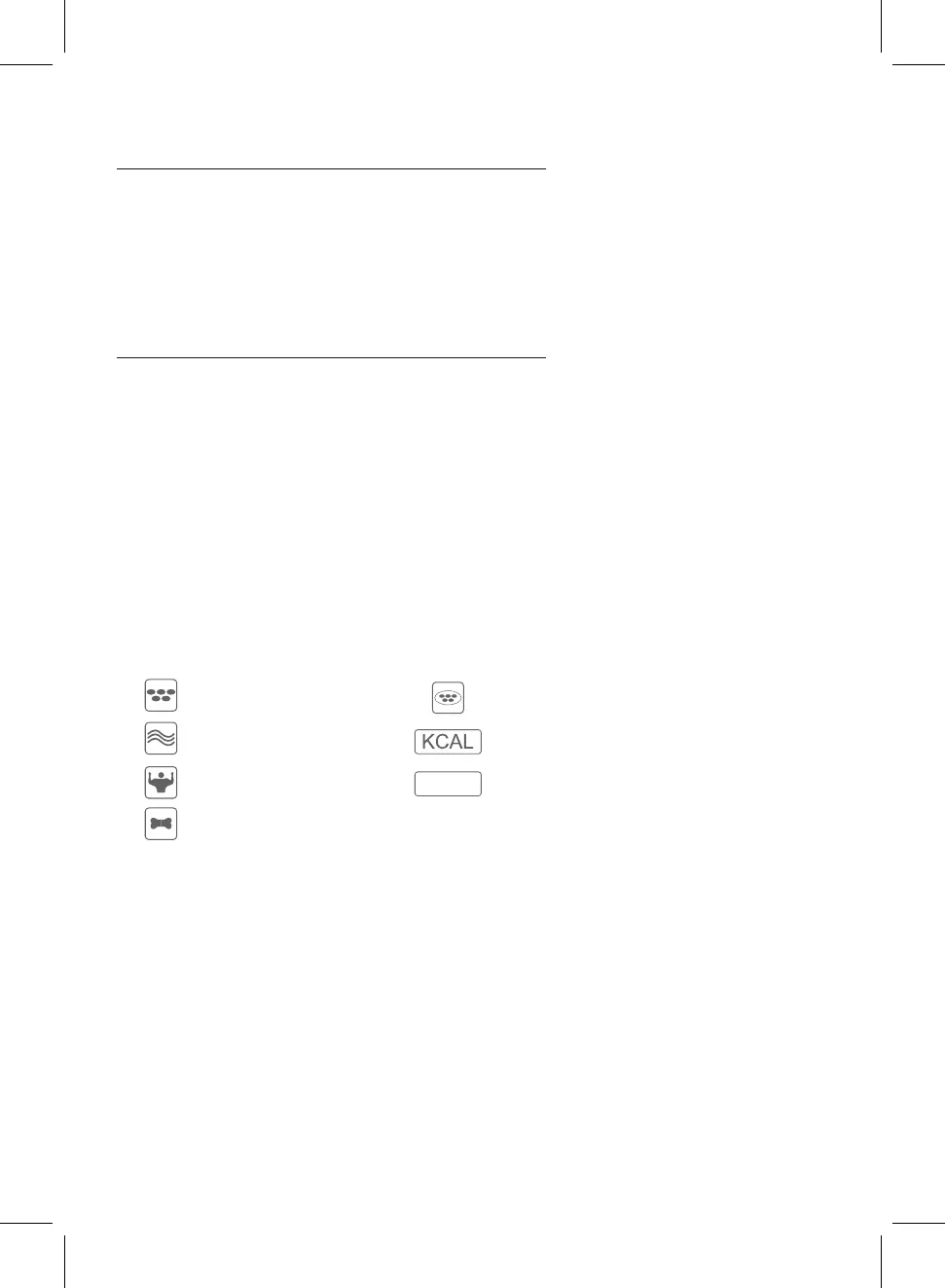
Body Fat %
Body Water %
Muscle Mass
Bone Mass
Visceral Fat
Recommended Calorie Intake
Body Mass Index
1.
2.
3.
4.
5.
MEASURING BODY FAT
B M I


 To Next Page