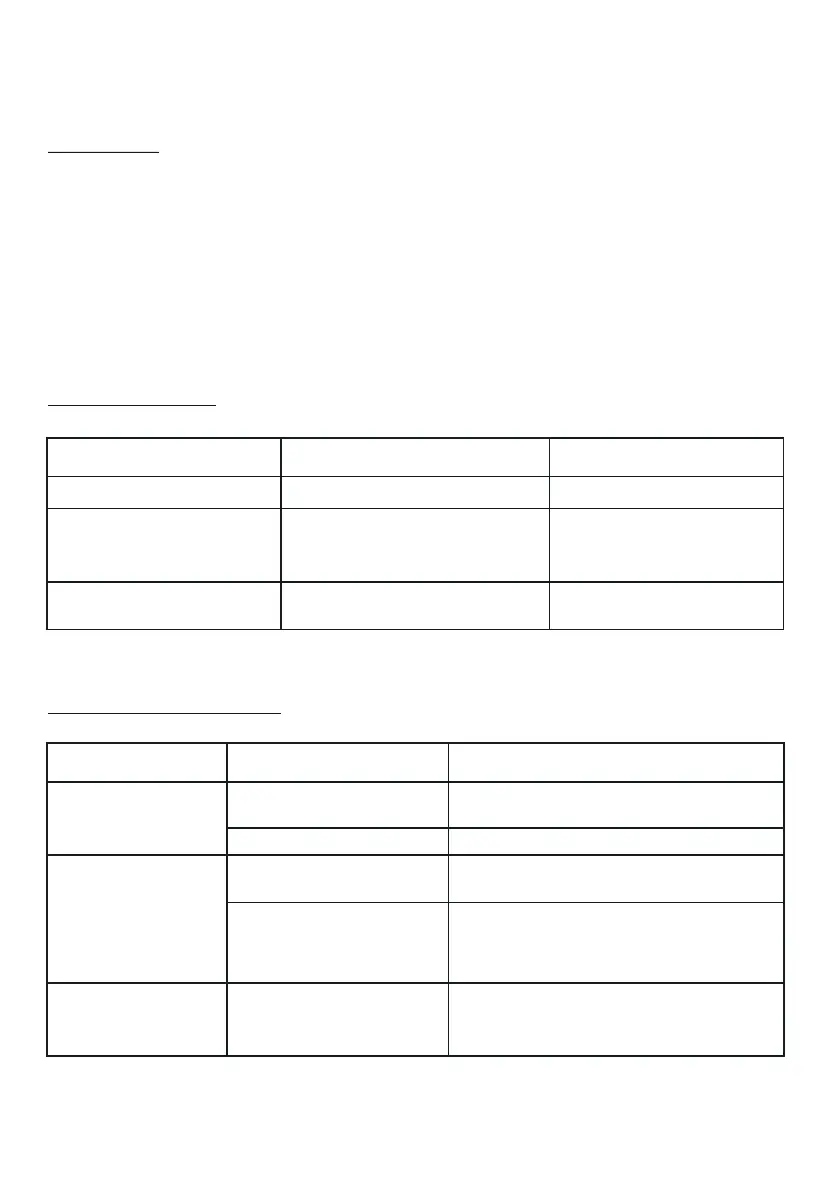
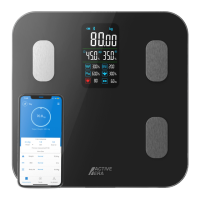
For long-term storage:
1. Remove the batteries from the battery compartment.
2. Cover the smart scales with a waterproof covering and store horizontally in a safe,
dry place, out of the reach of children.
STORAGE
ERROR CODES
TROUBLESHOOTING
ERROR CODE CAUSE SOLUTION
Step off smart scales to
avoid damaging the high
precision sensors
Step off smart scales
and back on again
Smart scales are overloaded
PROBLEM
CAUSE
SOLUTION
Smartphone or tablet
operating system not
compatible
Batteries not
installed correctly
Smart scales not
connecting to
Active Era app
Smart scales not
analysing body
composition
Wearing shoes
and/or socks
Bluetooth not on
Battery power is low
Smart scales not
turning on
Ensure batteries are properly
installed
Replace batteries
Turn smartphone or
tablet’s Bluetooth on
Ensure your smartphone’s or
tablet’s operating system is
running iOS 8.0 and higher or
Android 5.0 and higher
Remove shoes and/or socks and
ensure your feet are in full contact
with the metal sensor plates
11 | English
Measuring error
Battery power is low Replace batteries
Err
C
Lo



 To Next Page