Using the Device
16
User Guide
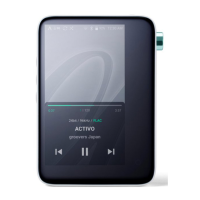
Displays album cover image.
Song title information.
The file name is displayed when
the title is unavailable.
Displays current song
information.
Shows playback progress of
current song. Drag the indicator
to move to the desired track time.
Indicates song duration.
Short-press: Plays the previous
song or restarts the song.
Long-press: Rewinds the current
song.
Indicates the song’s total
duration or remaining time.
Tap to switch display option.
Plays or pauses the current song.
Short press: Plays the next song.
Long press: Fast-forwards
current song.
Album Cover
Title
Details
Progress Bar
Song Progress
Previous Song/
Rewind
Song Duration
Play/Pause
Next/FF
1
2
3
4
5
6
7
8
9


 To Next Page