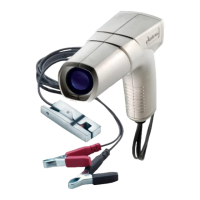
3. View timing marks. Loosen distributor hold down bolt and turn
distributor until moving mark is aligned with stationary 0 degree
mark.
4. Tighten distributor hold down bolt securely.
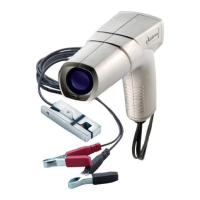
DIGITAL TIMING LIGHT
1. Push and buttons until display shows
desired degrees advance setting.
2. View timing marks. Loosen distributor hold down
bolt and turn distributor until moving mark is aligned
with stationary 0 degree mark.
3. Tighten distributor hold down bolt securely.
2/4
Cycle
RPM
Adv


 To Next Page