To activate RDS program search
with the interface dial, push the
AUDIO button to display the FM
radio information on the screen.
Push the selector down, and turn the
knob to select the RDS SEARCH
icon. Press ENTER on the selector.
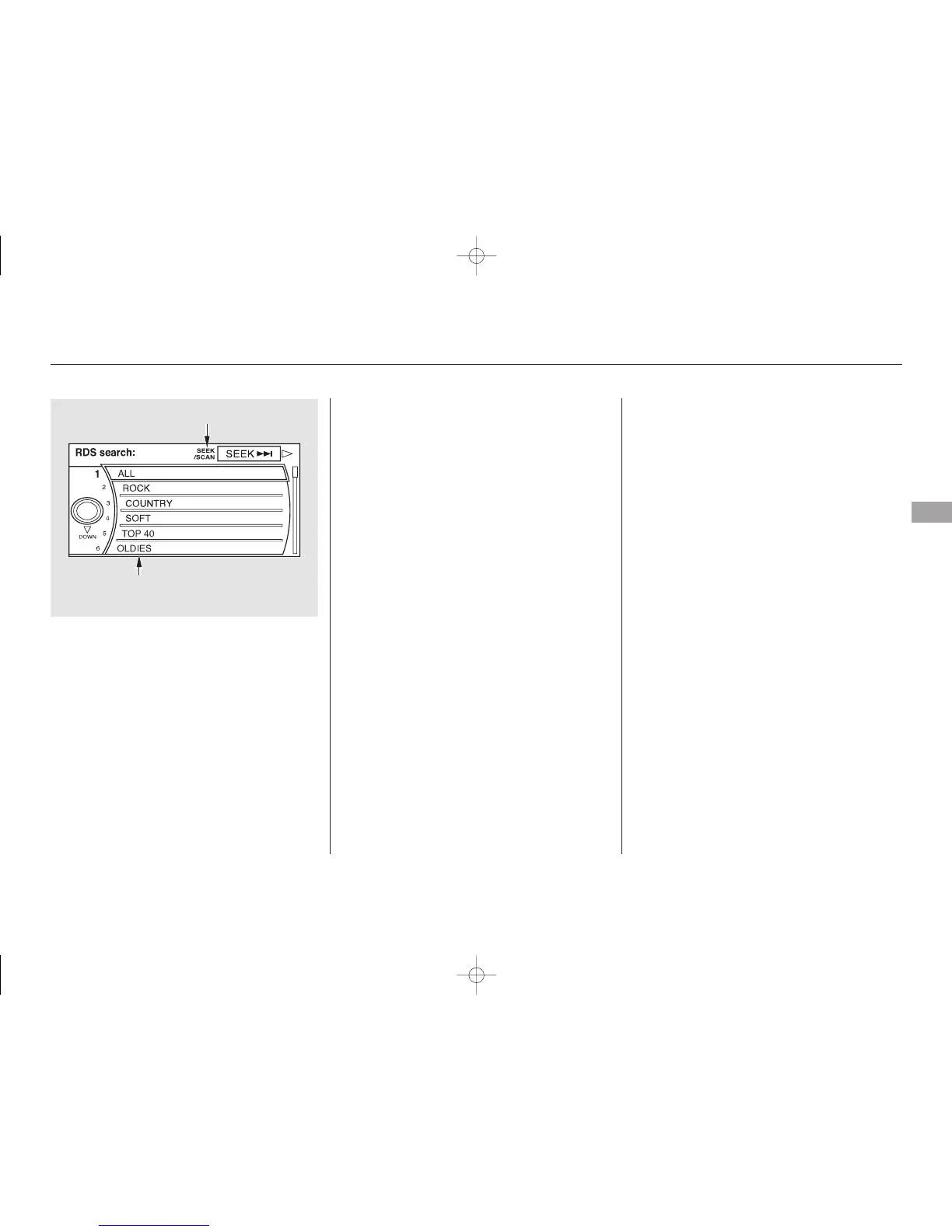
The screen shows you the RDS
program category list.
Turn the knob to the desired RDS
category.
While the RDS category is selected,
move the selector knob to the right
to select SEEK in the upper right
corner of the screen. Then press
ENTER to activate the seek function.
The scan function samples all
stations with strong signals on the
selected RDS category. To activate it,
press and release the SCAN button.
You will see SCAN in the display.
The system will scan for a station
with a strong signal in the selected
RDS category. You will also see the
selected RDS category name
blinking in the display while
searching it. When the system finds
one, it will stop and play that station
for about 10 seconds.
CONTINUED
RDS Program SCAN
Audio System
Features
221
RDS CATEGORY LIST
SEEK is selected.
SEEK/SCAN ICON
11/07/20 18:28:40 31SJA670_226



 To Next Page
 Loading...









