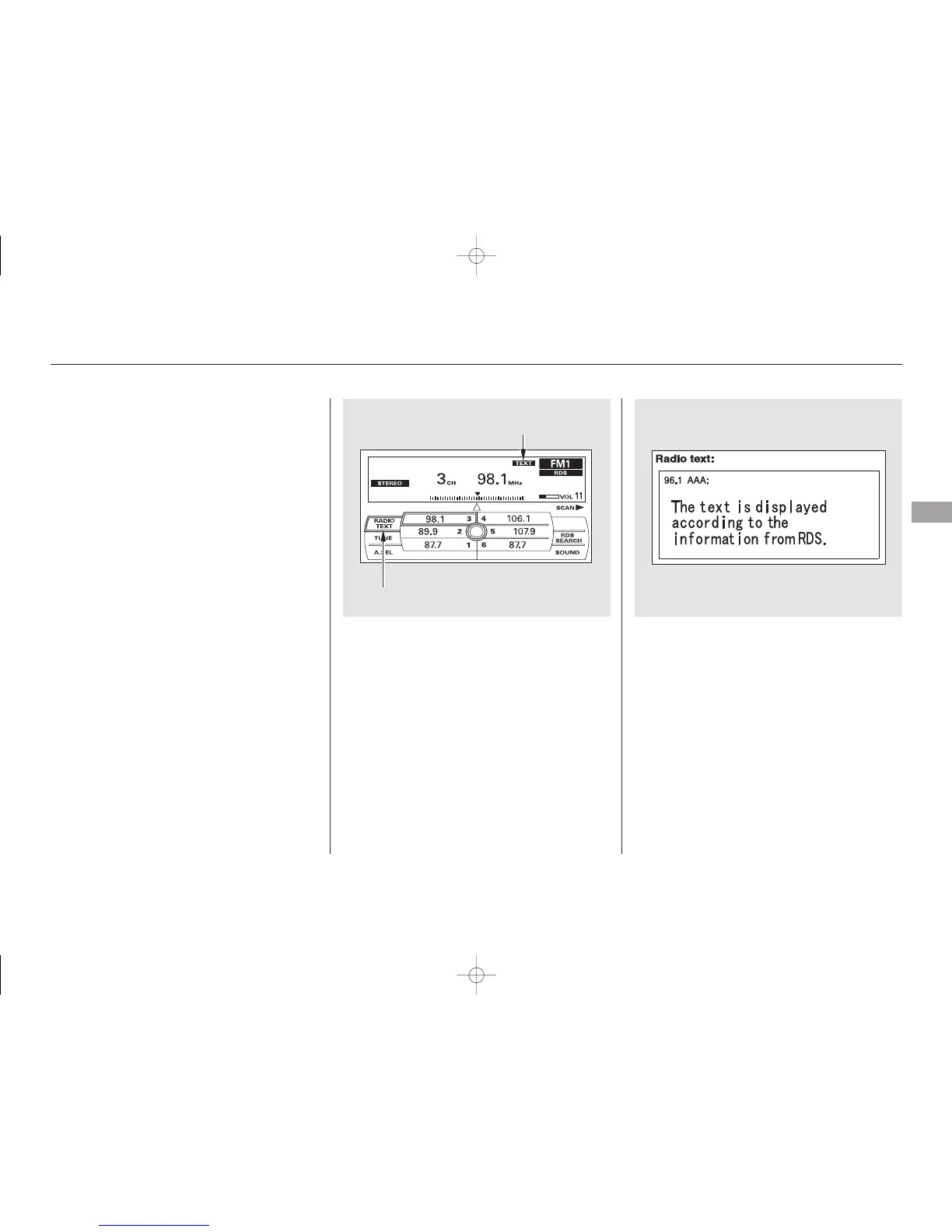
This function displays the radio text
information of the selected RDS
station.
To activate radio text display, use
the interface dial. Push the selector
down, and turn the knob to select
RADIO TEXT icon. Press ENTER on
the selector to enter the setting.
The display shows up to 64
characters on the selected RDS
station.
If the selected RDS station has the
radio text information, you will see
the text indicator on the screen.
Radio Text Display
Audio System
Features
223
RADIO TEXT ICON
TEXT INDICATOR
11/07/20 18:28:53 31SJA670_228



 To Next Page
 Loading...









