EasyManua.ls Logo

Acura 2015 RLX - (Sbv)

Acura 2015 RLX
521 pages
Print Icon
To Next Page IconTo Next Page
To Previous Page IconTo Previous Page
Loading...
241
uuAudio System Basic OperationuSong By Voice
TM
(SBV)
Continued
Features
Song By Voice
TM
(SBV)
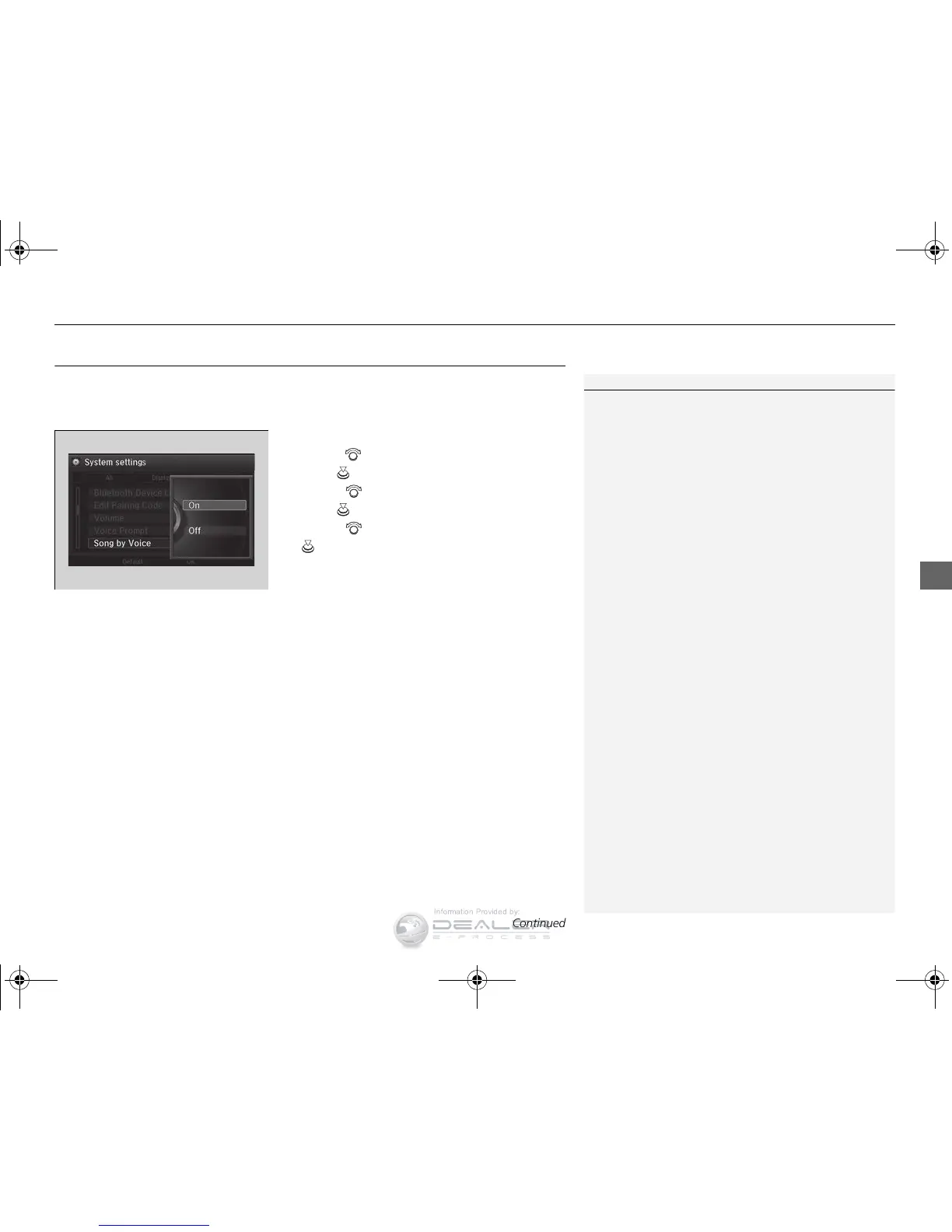
Use SBV to search for and play music from your HDD or iPod using voice commands.
To enable SBV
1. Press the SETTINGS button.
2. Rotate to select System Settings, then
press .
3. Rotate to select Song by Voice, then
press .
4. Rotate to select On or Off, then press
.

1Song By Voice
TM
(SBV)
Setting options:
On (factory default): Song By Voice
TM
commands
are available.
Off: Disable the feature.
15 ACURA RLX-31TY26100.book 241 ページ 2014年5月19日 月曜日 午後5時43分
Information Provided by:

Table of Contents

Related product manuals