Continued
151
uuAudio System Basic OperationuPlaying an iPod®
Features
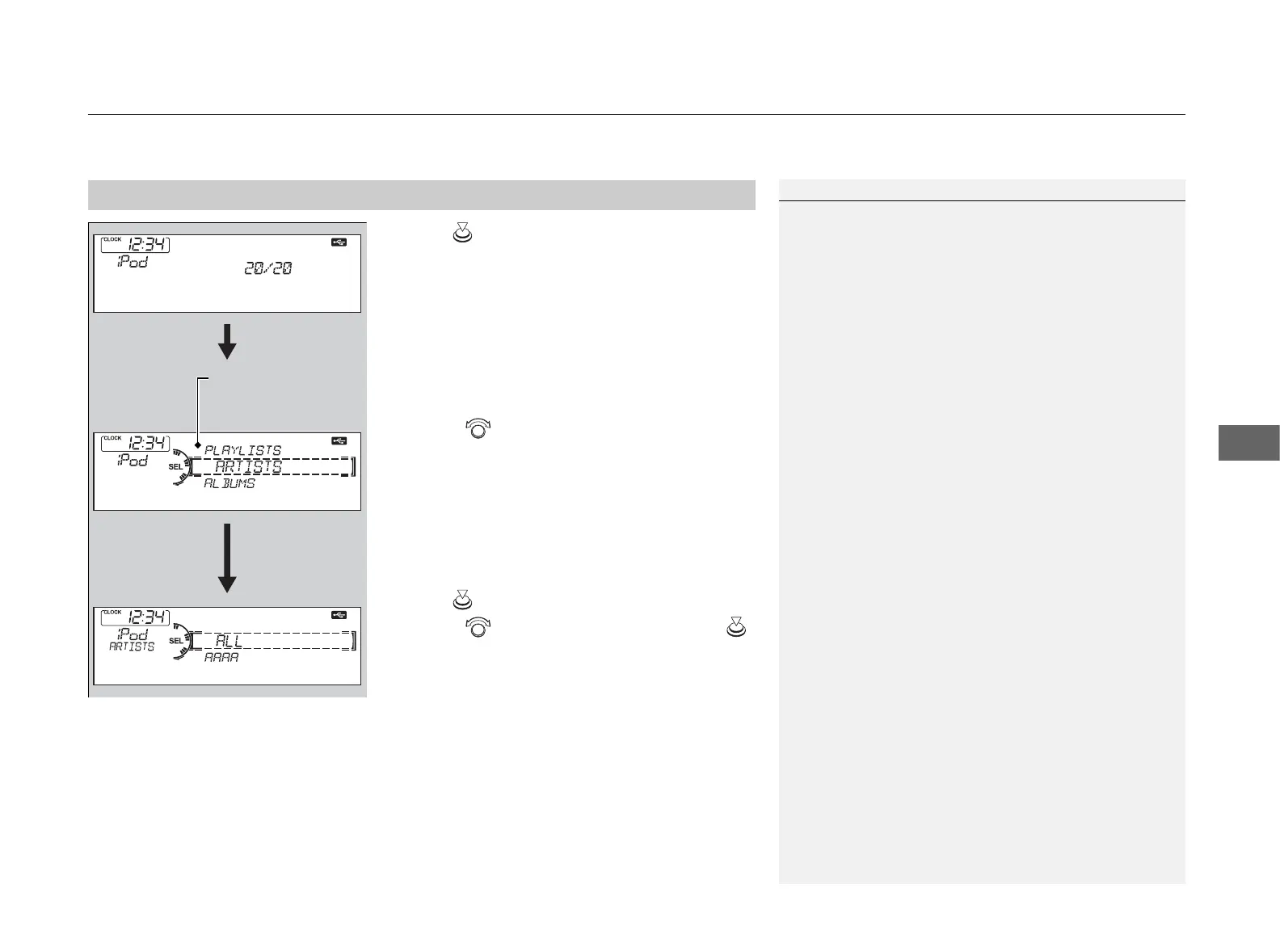
1. Press to display the iPod® menu.
2. Rotate to select a menu.
3. Press to display the items on that menu.
4. Rotate to select an item, then press .
■
How to Select a File from the iPod® Menu
1Playing an iPod®
Available operating functions vary on models or
versions. Some functions may not be available on the
vehicle’s audio system.
If there is a problem, you may see an error message
on the audio display.
2 iPod®/USB Flash Drive P. 159
iPod® Menu:
Playlists, Artists,
Albums, and Songs



 To Next Page
 Loading...