157
uuAudio System Basic OperationuPlaying Bluetooth® Audio
Features
1. Make sure that your phone is linked to HFL.
2. Press the AUX button.
Check the following if the phone is not recognized:
Another HFL-compatible phone, which is not compatible for Bluetooth® Audio, is
already linked.
■ To pause or resume a file
1. Press the MENU button.
2. Rotate to select RESUME/PAUSE, then press .
Each time you press , the setting switches between PAUSE and RESUME.
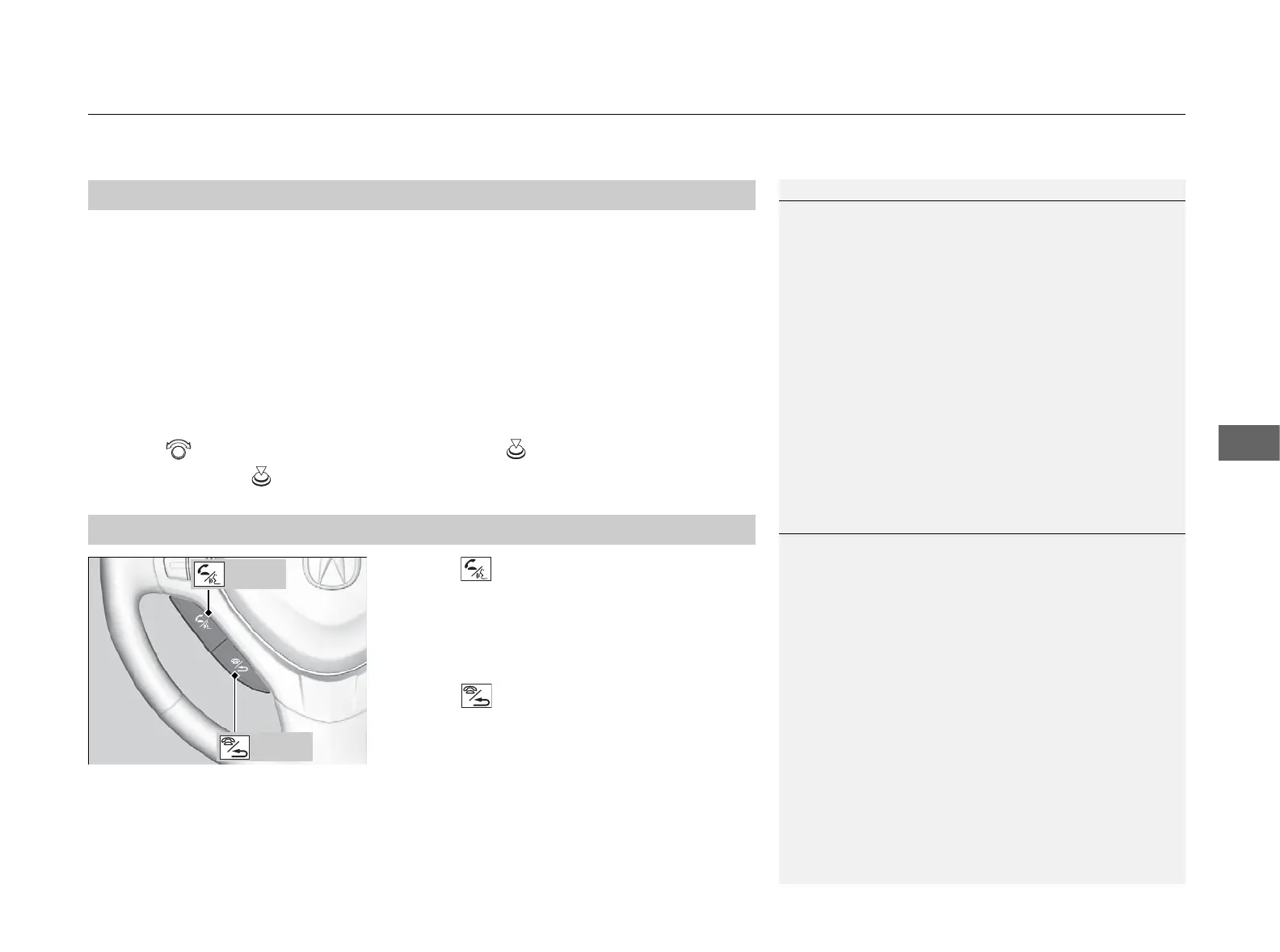
Press the (HFL Talk) button on the steering
wheel to receive a call when Bluetooth® Audio
is playing.
2 Bluetooth® HandsFreeLink® P. 167
Press the (HFL Back) button to end the call
and return to Bluetooth® Audio.
■
To Play Bluetooth® Audio Files
■
Switching to HFL
1To Play Bluetooth® Audio Files
To play the audio files, you may need to operate your
phone. If so, follow the phone maker’s operating
instructions.
The pause function may not be available on some
phones.
If any audio device is connected to the auxiliary input
jack, you may need to press the AUX button
repeatedly to select the Bluetooth® Audio system.
Switching to another mode pauses the music playing
from your phone.
1Switching to HFL
If you receive a call while Bluetooth® Audio is in the
pause mode, it will resume play after ending the call.
Button
Button



 To Next Page
 Loading...