Install PC Connect
Installing the PC Connect software is simple and once installed, you can set up Weather Sharing, Data Transfer, and
other preferences.
Make sure your computer meets the minimum system requirements
l PC Connect for Windows: Operating System - Microsoft
®
Windows
®
7, 8, 8.1, or 10
l PC Connect for Mac: Operating System - Mac
®
OS X Mavericks 10.9 or higher
l Processor speed - 1 GHz or greater
l Memory - 1 GB (32-bit) or 2 GB (64-bit) RAM
l Available USB port (2.0)
l Internet connection
How to install the PC Connect software
1. Download the software - PC Connect is available in a Windows and Mac version.
For PC Connect for Windows -
go
to acurite > Help > Download Software > My
AcuRite - PC Connect for
Windows Download > select Install PC Connect > select Run Now (Run) to install or Save to install later
(from your Downloads location, double-click on PC-Connect-Setup to install).
For PC Connect for Mac - go to > Help > Download Software > My AcuRite - PC Connect for Mac Download >
select Install PC Connect.
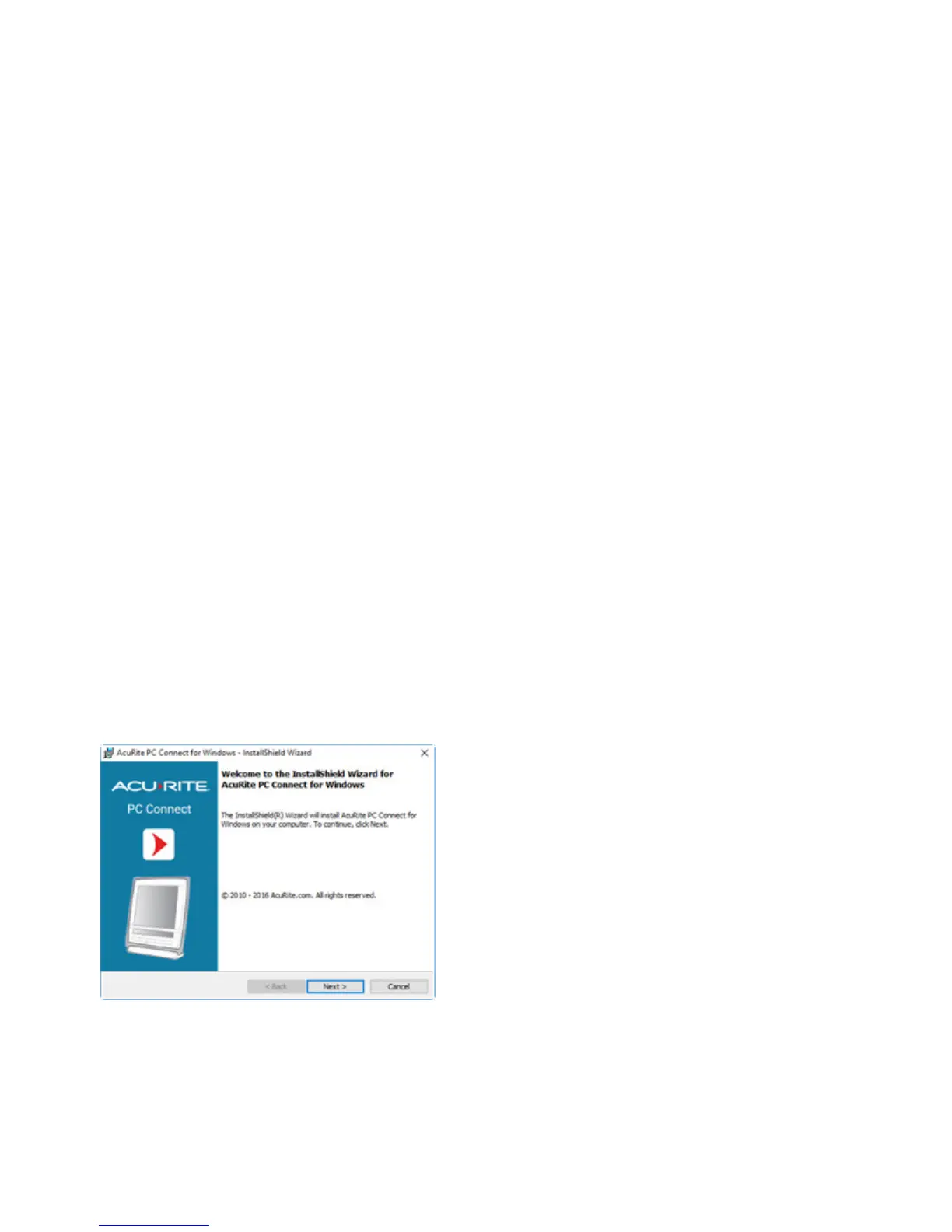
The Install Wizard guides you through the installation steps.
Once installation is complete, you are guided through the Initial Configuration steps.


 To Next Page