17
Care & Maintenance
Display Care
Clean with a soft, damp cloth. Do not use caustic cleaners or abrasives. Keep away
from dust, dirt and moisture. Clean ventilation ports regularly with a gentle puff of air.
Calibration
Calibrate Temperature & Humidity
The indoor / outdoor temperature and humidity readings can be calibrated on the
display to improve accuracy. Calibration improves accuracy when 5-in-1 sensor
placement or environmental factors impact your data accuracy.
1. Choose the weather category you wish to calibrate by pressing the
“
V
“ or “
W
“
buttons
until the category is displayed on the Selectable Category part of the
display.
2. Press AND HOLD the
“
V
“, “
W
“ and “ ” buttons all at the same time for
10-15 seconds.
• The display beeps, and all display data is hidden except for the value being
calibrated.
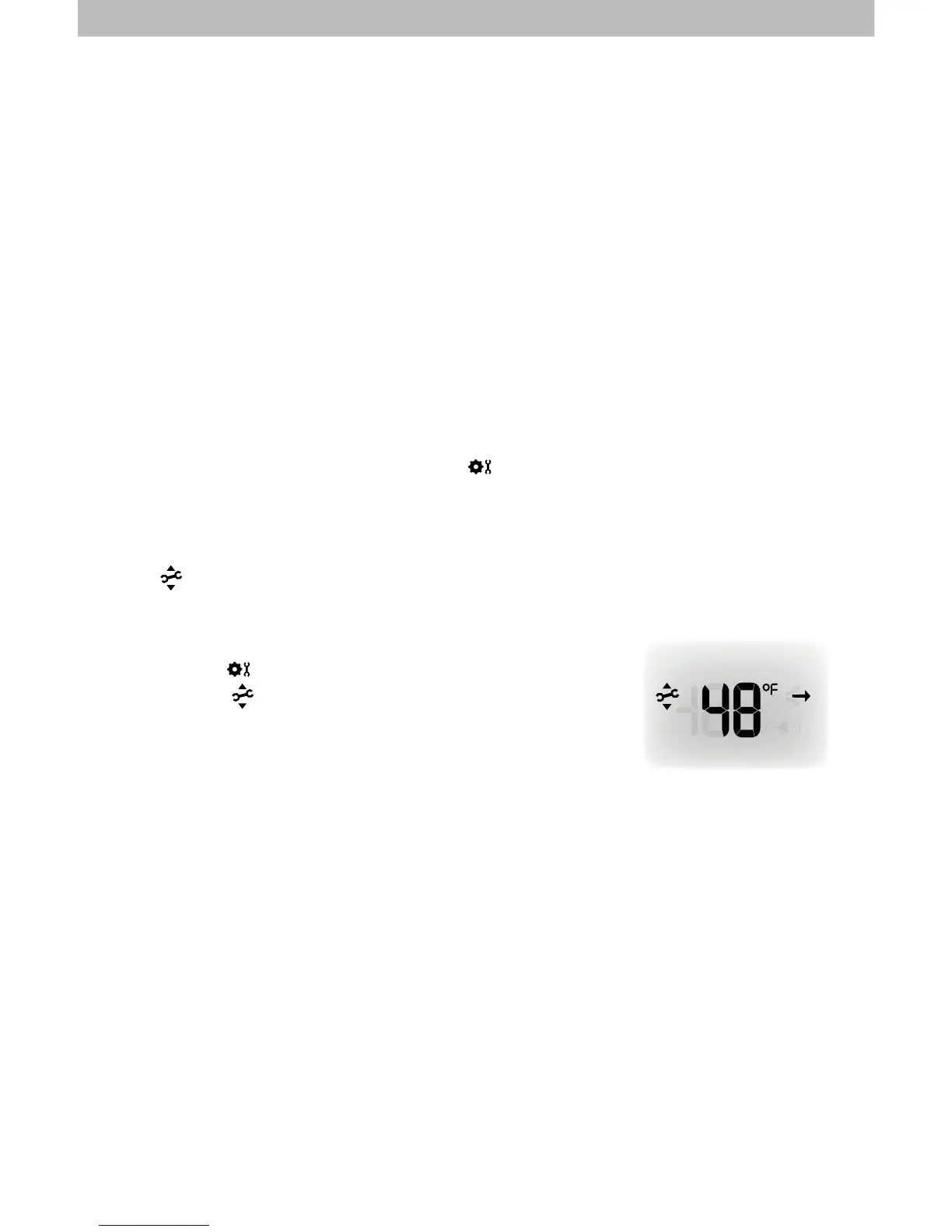
• “ ” (calibrate) and arrows appear next to the value being calibrated.
3. Press the
“
V
“ or “
W
“ buttons to calibrate the data value higher or lower from the
actual reading.
-' Ik^llma^[nmmhgmh\hgÛkfma^\Zeb[kZmbhgZ]cnlmf^gm'
Note: The “ ” icon remains illuminated next to calibrated
values.


 To Next Page