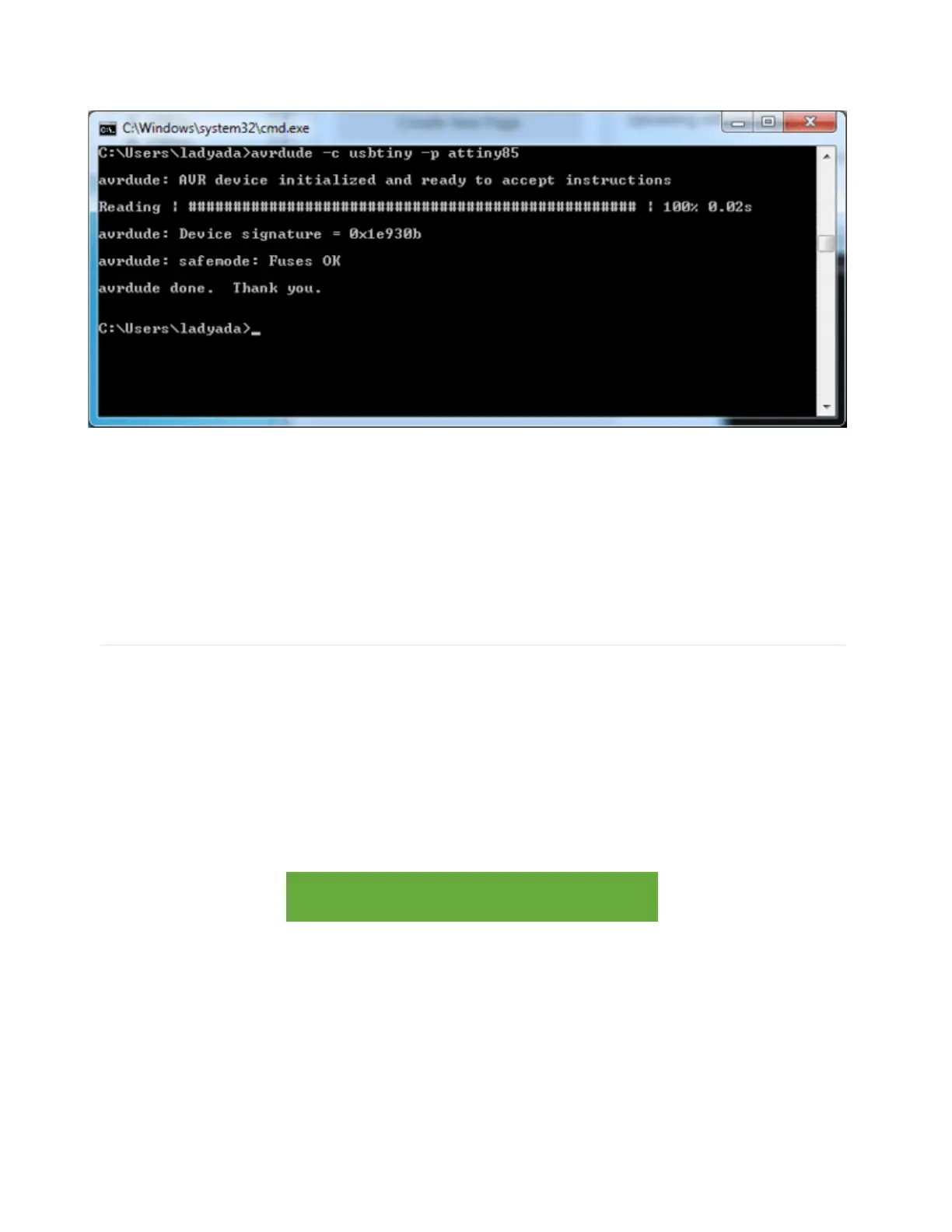
same response as shown here:
If you get the response
avrdude: Error: Could not find USBtiny device (0x1781/0xc9f)
the bootloader is not active, make sure you see the red LED pulsing, press the reset button
to start the bootloader again.
Programming in a Blink example
For more details on using avdude and avr-gcc, you'll need to read a detailed tutorial or book
on those subjects. However, you can do a basic test by uploading the following HEX file,
which will blink the #1 LED once a second on and off. (Its a bit chunky as blink.hex's go as it
has all the Arduino IDE stuff in there too. If you wrote it in straight-C it would be like 100
bytes)
Click the button to download it and place it in the same directory as your command prompt,
in these screenshots that's C:\Users\ladyada
trinketblink.hex
http://adafru.it/cF1
And uploading it with the command avrdude -c usbtiny -p attiny85 -U
flash: w:trinketblink.hex
or, if that's giving errors, avrdude -c usbtiny -p attiny85 -D -U
flash: w:trinketblink.hex (note the extra -D)
As before, type out the command, then press the reset button to start the bootloader and



 To Next Page