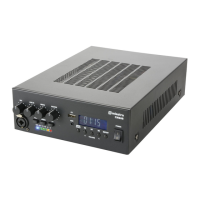
CM30B, CM60B User Manual
Media player
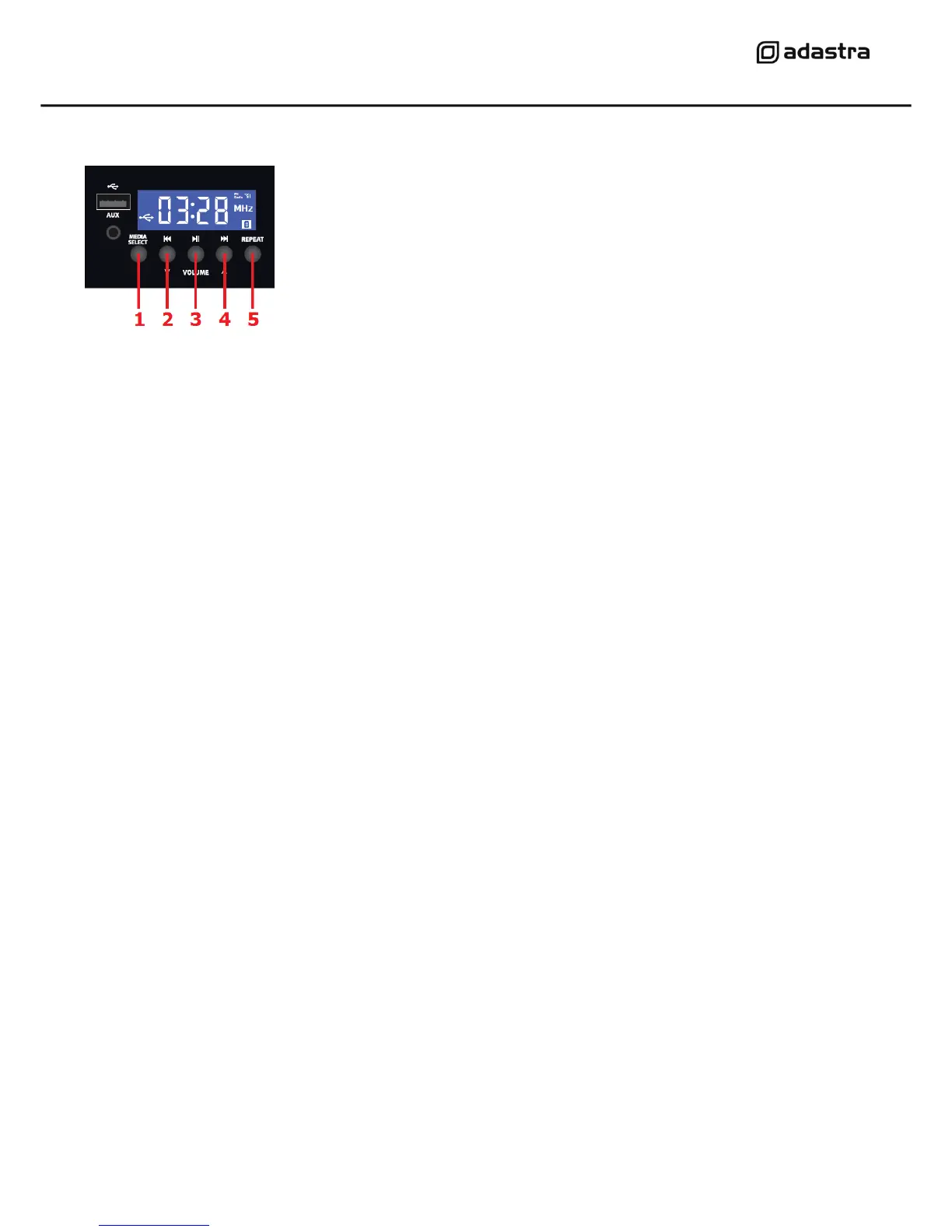
CM30/60B mixer-amplifiers are fitted with a built-in media player. This section comprises a Bluetooth
receiver, USB audio player, FM tuner and Aux line input. Pressing the MEDIA SELECT button (1) will
step through “bt” (Bluetooth), USB, FM tuner and “AUX” (3.5mm line input).
Bluetooth
The Bluetooth function allows connection of a smart phone or tablet to the media player section for
playback of stored files or streamed digital audio. In order to enable this function, it will be necessary
to pair the sending device to the receiver as follows.
1. Open the Bluetooth settings menu on the smart phone or tablet (or other sending device)
2. Scan for Bluetooth devices and look for “adastra” in the list of available devices
(ensure that the CM amp is powered on and within reception range)
3. Select “adastra” and the sending device should confirm that it is connected as an audio device
4. Play audio from the sending device, ensuring that volume controls are not turned down/muted
5. Turn up the MEDIA volume control on the amplifier to the required level
If the Bluetooth signal is lost, it may be necessary to re-select “adastra” on the sending device.
The Previous, Next and Play/pause buttons will operate in Bluetooth as remote playback controls.
Holding the Previous track or Next track buttons (2, 4) will adjust the output volume of the player.
FM Tuner
The FM tuner function operates in the same way as a standard FM radio and benefits from the
connection of an FM antenna to the rear panel ‘F’ type connector.
If no channels are tuned in, press the Play/Pause button to begin auto tuning, which scans available
stations and stores them as channels within the FM tuner. Pressing Play/Pause again will abort the
auto-tuning.
To step through pre-set stations, press the Previous or Next buttons.
Holding the Previous track or Next track buttons will adjust the output volume of the player.


 To Next Page
 Loading...