*If you are unsure how to do this, refer to your user
manual
*The bracket is used to secure the solid state drive,
because the slot is not exactly the same size as the
solid state drive.
*The slot has a foolproof design. Please insert the SSD
in the direction corresponding to the pins on the solid
state drive and the slot. Do not insert it forcibly to avoid
damage to the product.
INSTALLATION
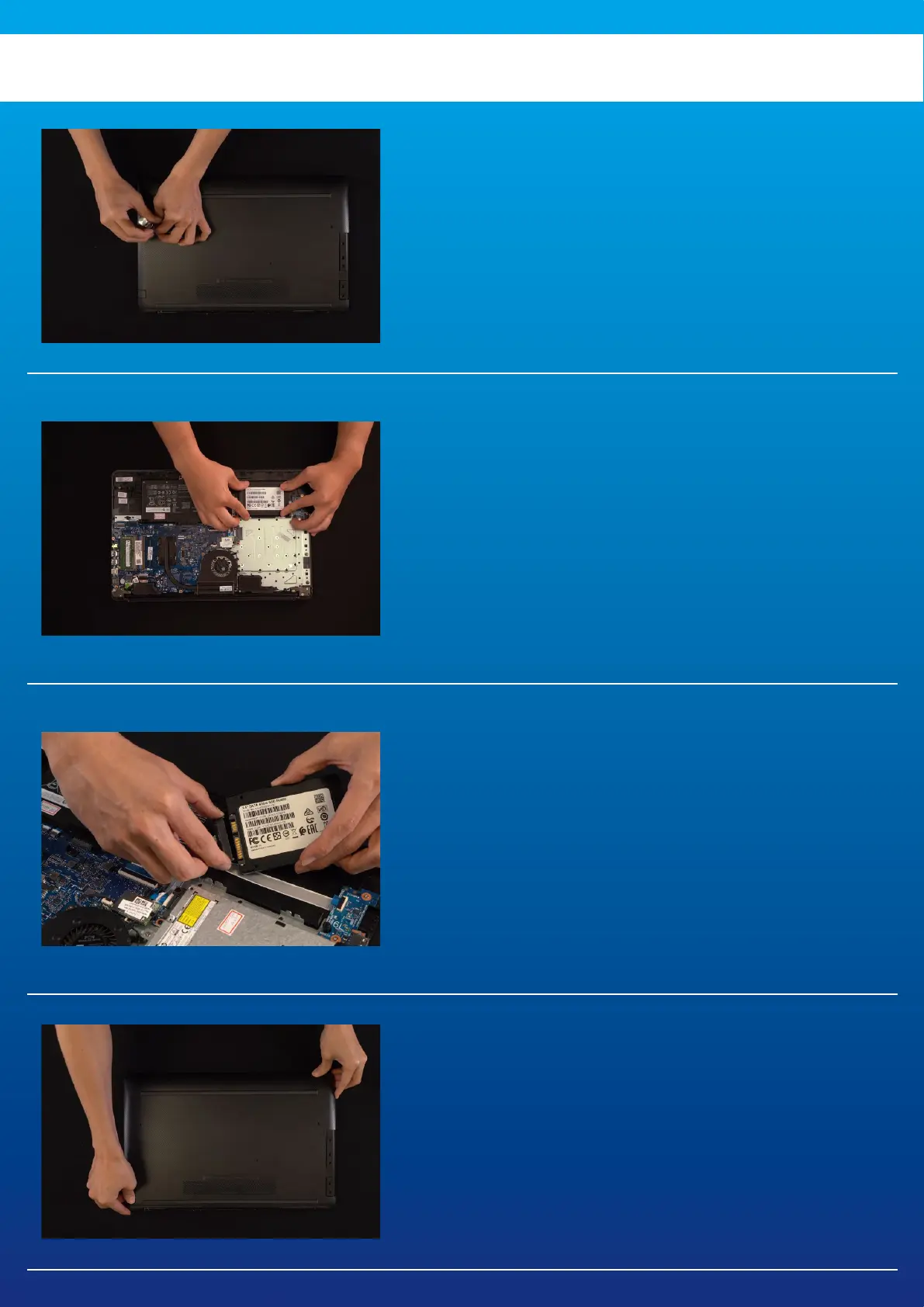
Use your standard Phillips screwdriver to loosen
the screws and then remove the back plate.
2. REMOVE THE MOUNTING
BRACKET AND CABLES
3. CONNECT CABLES AND ATTACH
BRACKET TO THE NEW 2.5" SSD.
There is a row of pins on the cable as well as on
the SSD. Align to the correct orientation and
place the bracket back into the slot.
4. SECURE THE BACK PLATE INTO
PLACE
*Do not overtighten the screws as it may cause damage
1. REMOVE YOUR PC'S BACK
PLATE



 To Next Page