Need help?
Do you have a question about the Adata SU650 and is the answer not in the manual?
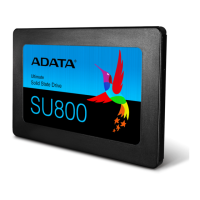
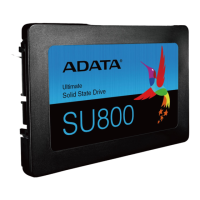
Collect necessary items: PC, Phillips screwdriver (3.5mm), and ADATA 2.5" SATA SSD.
Securely back up important PC data to an external device before installation.
Shut down the computer to prevent data loss or damage to components.
Discharge residual power by unplugging the power cord and removing the battery.
Loosen screws with a Phillips screwdriver to detach the laptop's back cover.
Detach the bracket securing the drive and disconnect any associated cables.
Align and connect the SSD with the slot, then reattach the mounting bracket.
Reinstall the laptop's back plate, ensuring screws are properly fastened.
Connect the power cord and turn on the PC to finalize the SSD installation.
 General
| Package type | Box |
|---|---|
| ECC | Yes |
| NVMe | - |
| Interface | Serial ATA III |
| Read speed | 520 MB/s |
| Memory type | SLC |
| Write speed | 450 MB/s |
| SSD capacity | 960 GB |
| Component for | PC/Laptop |
| NAND flash type | SLC (Single Level Cell) |
| SSD form factor | 2.5\ |
| Data transfer rate | 6 Gbit/s |
| Mean time between failures (MTBF) | 2000000 h |
| Operating shock | 1500 G |
| Storage temperature (T-T) | -40 - 85 °C |
| Operating temperature (T-T) | 0 - 70 °C |
| Operating relative humidity (H-H) | 5 - 95 % |
| Product color | Black, Green |
| Sustainability certificates | RoHS |
 Weight and Dimensions
| Depth | 100.45 mm |
|---|---|
| Width | 69.85 mm |
| Height | 7 mm |
| Weight | 47.5 g |

 To Next Page