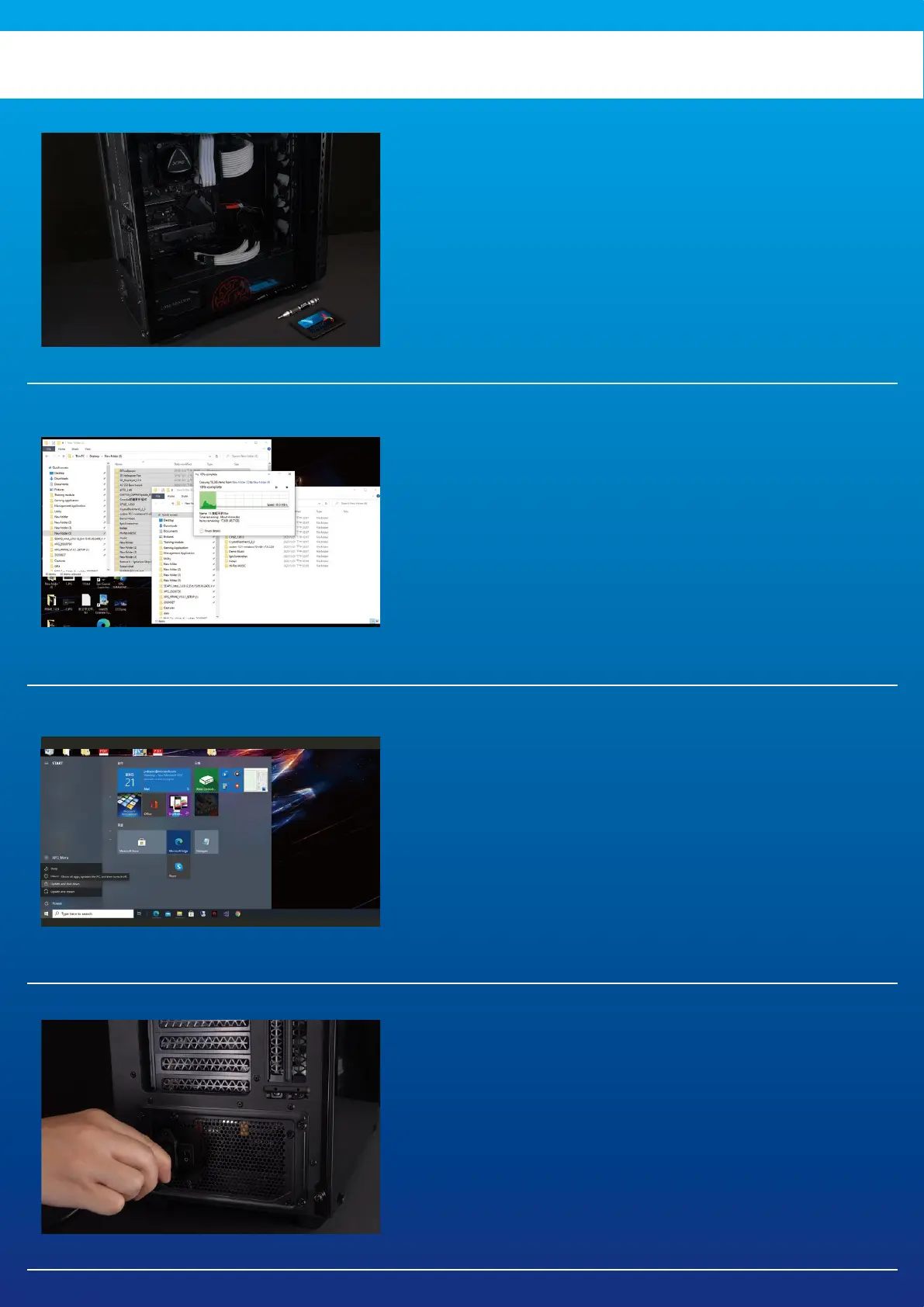
1. GATHER THE THINGS YOU'LL
NEED
*Please use a standard Phillips screwdriver (3.5mm) for
disassembling the case.
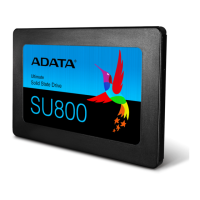
PC, Phillips screwdriver, and ADATA 2.5" SATA
SSD
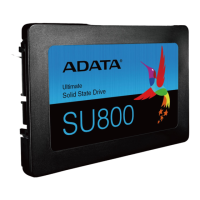
2. BACK UP YOUR DATA
Make sure to backup the important data on your
PC to an external device, such as an external
HDD, before starting installation.
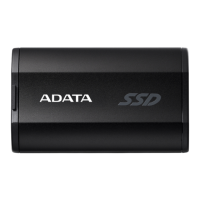
3. POWER OFF YOUR PC
After backing up your data, power off your PC
to avoid data loss or damage to other
components during installation.
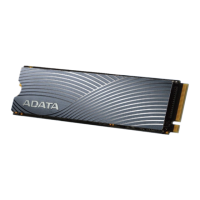
4. SWITCH OFF THE POWER SWITCH
AND UNPLUG POWER CORD
This action is necessary to discharge residual
power that can damage your PC and its
components.
BEFORE INSTALLATION


 To Next Page