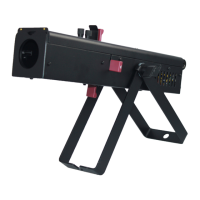
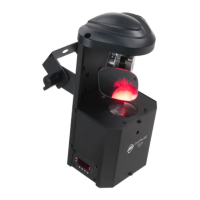
Inno Pocket Scan Set Up
Power Supply: The ADJ Inno Pocket Scan contains an automatic voltage switch, which will auto-
matically sense the voltage when it is plugged into a power source. With this switch there is no need
to worry about the correct power voltage, and this unit can be plugged in anywhere.
DMX-512: DMX is short for Digital Multiplex. This is a universal protocol used by most lighting and
controller manufacturers as a form of communication between intelligent xtures and controllers. A
DMX controller sends DMX data instructions from the controller to the xture. DMX data is sent as
serial data that travels from xture to xture via the DATA “IN” and DATA “OUT” XLR terminals locat-
ed on all DMX xtures (most controllers only have a DATA “OUT” terminal).
DMX Linking: DMX is a language allowing all makes and models of dierent manufacturers to be
linked together and operate from a single controller, as long as all xtures and the controller are
DMX compliant. To ensure proper DMX data transmission, try to use the shortest cable path pos-
sible when linking multiple xtures. The order in which xtures are connected in a DMX line does not
inuence the DMX addressing. For example: a xture assigned a DMX address of 1 may be placed
anywhere in a DMX line, at the beginning, at the end, or anywhere in the middle. When a xture is
assigned a DMX address of 1, the DMX controller knows to send DATA assigned to address 1 to that
unit, no matter where it is located in the DMX chain.
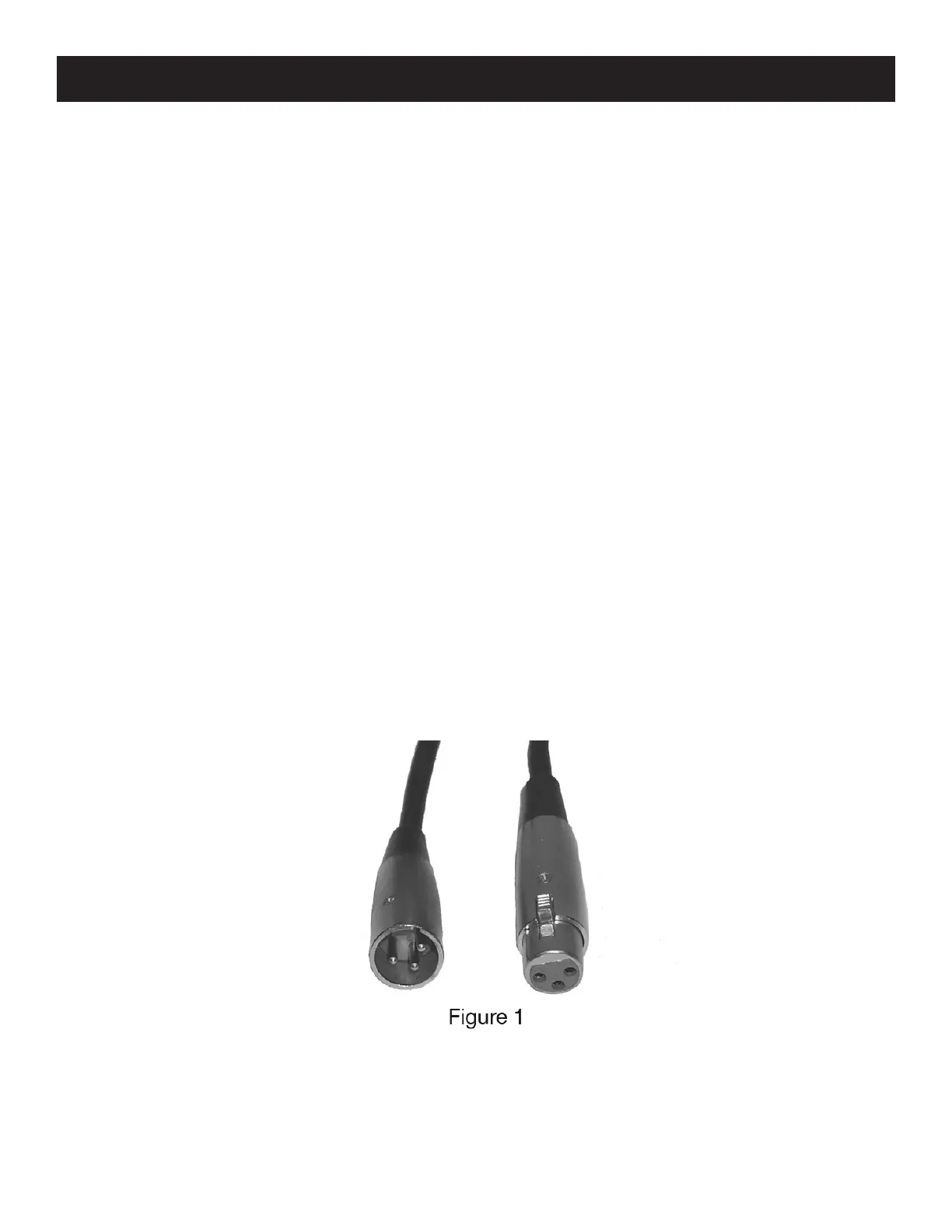
Data Cable (DMX Cable) Requirements (For DMX and Primary/Secondary Operation): The Inno
Pocket Scan can be controlled via DMX-512 protocol. The Inno Pocket Scan is a 6 channel DMX
unit. The DMX address is set electronically using the controls on the side panel of the unit. Your unit
and your DMX controller require a approved DMX-512 110 Ohm Data cable for data input and data
output (Figure 1). We recommend Accu-Cable DMX cables. If you are making your own cables, be
sure to use standard 110-120 Ohm shielded cable (This cable may be purchased at almost all pro-
fessional sound and lighting stores). Your cables should be made with a male and female XLR con-
nector on either end of the cable. Also remember that DMX cable must be daisy chained and cannot
be split.
ADJ Products, LLC - www.adj.com - Inno Pocket Scan User Manual Page 6


 To Next Page