238
USING ACROBAT X PRO
Security
Last updated 10/11/2011
Favorite If this option is selected, a star appears next to the policy. To remove a policy from the favorites, click Favorite
again. You can apply the Favorite option to multiple policies. Use this option to make a policy easier to retrieve.
Revoke a policy-protected PDF
To restrict access to a policy-protected PDF that you made available to a group of users, you can revoke the document.
1 Do one of the following:
• For a single PDF or a component PDF in a PDF Portfolio, open the PDF and log in to Adobe LiveCycle Rights
Management ES.
• For a PDF Portfolio, open the PDF Portfolio, log in to Adobe LiveCycle Rights Management, and choose View >
Portfolio > Cover Sheet.
2 Choose Tools > Protection > More Protection > Rights Management > Revoke. If you don’t see the Protection
panel, see the instructions for adding panels at
“Task panes” on page 9.
3 From the menu on the web page, choose an option that explains why you’re revoking the document, or type a
message. If you’re replacing the revoked document, type the URL location of the new document.
4 Click OK to save your changes.
Digital IDs
About digital IDs
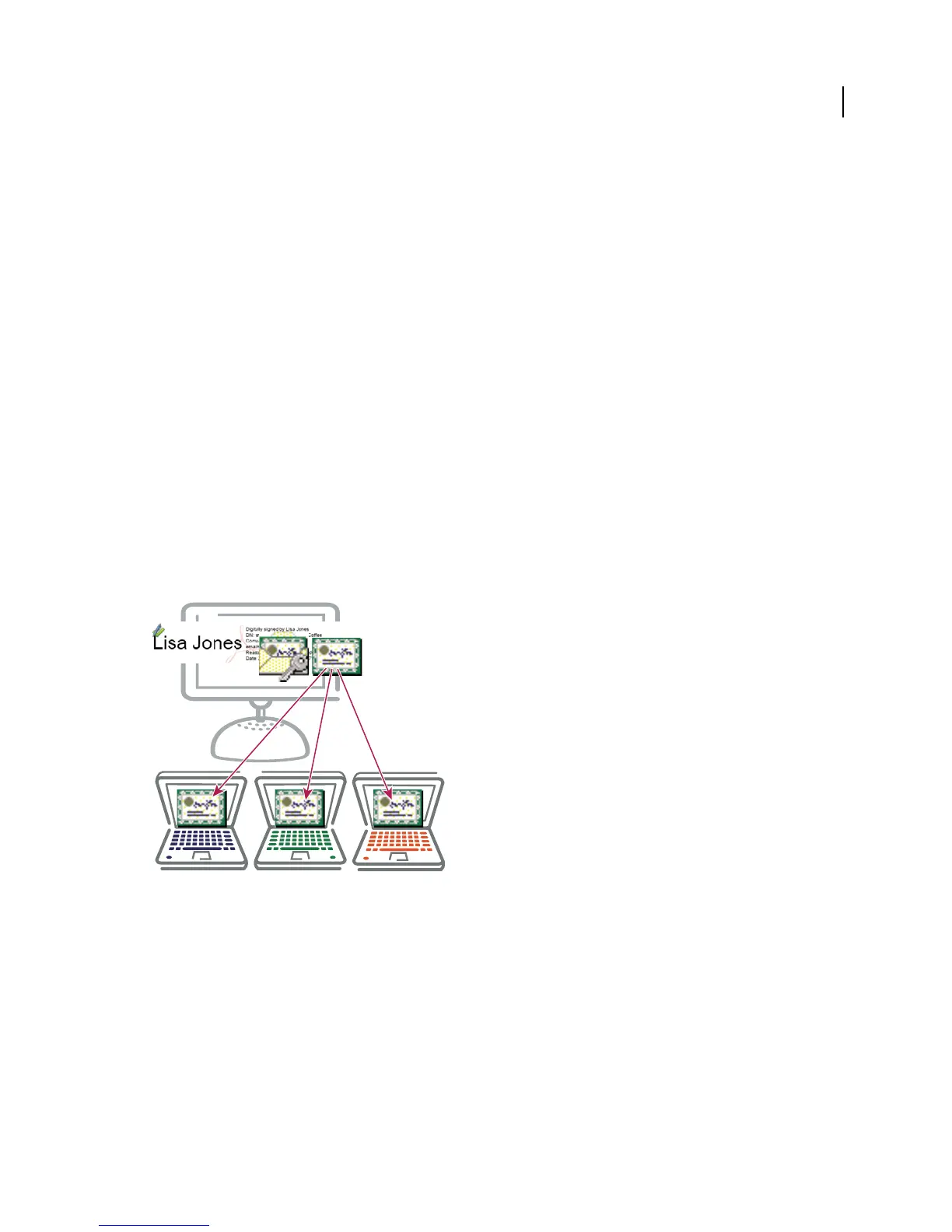
Digital IDs include a private key that you safeguard and a public key (certificate) that you share.
What is a digital ID?
A digital ID is like an electronic driver’s license or passport that proves your identity. A digital ID usually contains your
name and email address, the name of the organization that issued it, a serial number, and an expiration date. Digital
IDs are used for certificate security and digital signatures.
Digital IDs contain two keys: the public key locks, or encrypts data; the private key unlocks, or decrypts that data. When
you sign PDFs, you use the private key to apply your digital signature. The public key is in a certificate that you
distribute to others. For example, you can send the certificate to those who want to validate your signature or identity.
Store your digital ID in a safe place, because it contains your private key that others can use to decrypt your
information.


 To Next Page
 Loading...