468
USING ACROBAT X PRO
Preflight
Last updated 10/11/2011
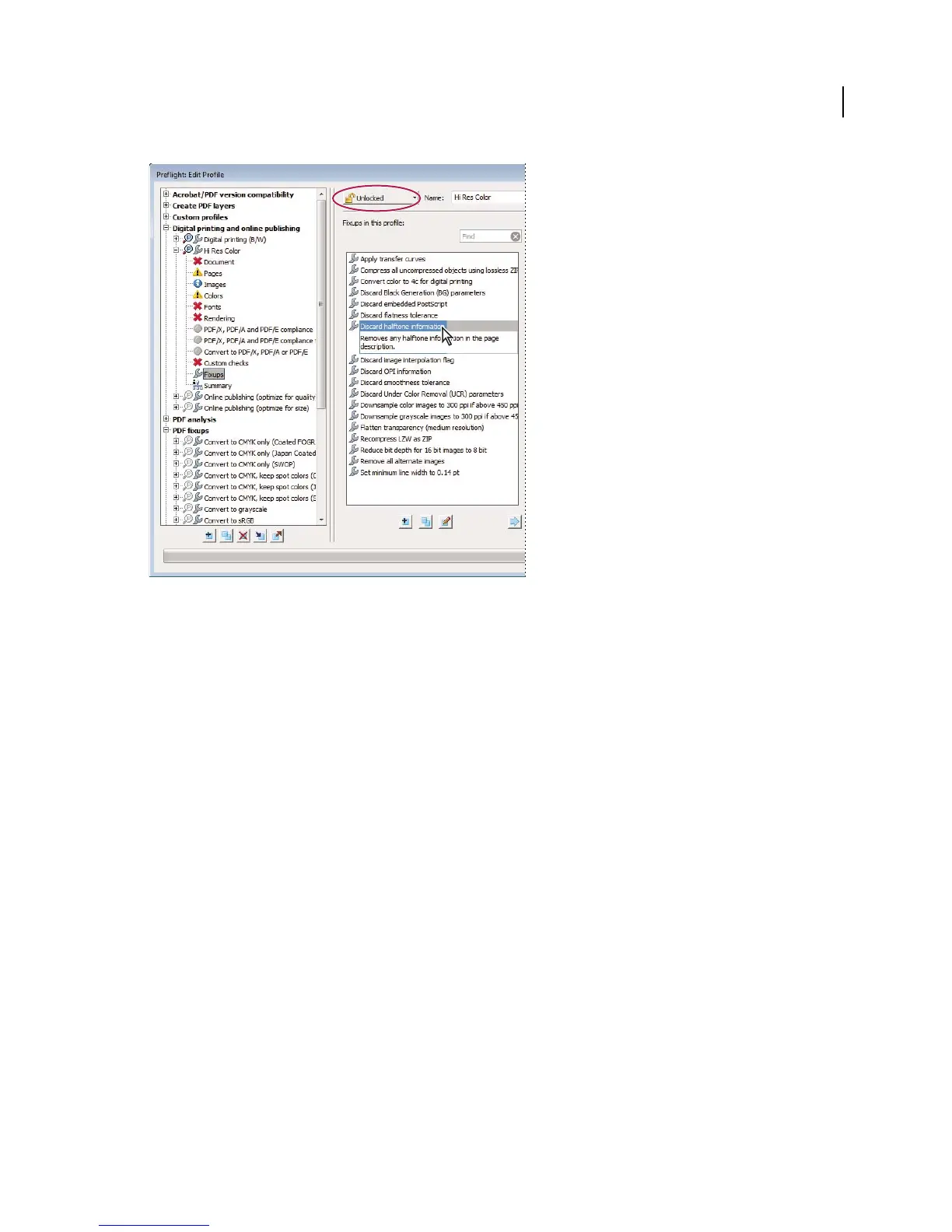
Fixups are available from the Fixups section of each profile.
5 Select a fixup from the column on the right and click the left-facing arrow to move the fixup to the column on the
left.
You can add as many fixups as you want.
Note: To remove a fixup from a profile, select the fixup from the list on the left and click the right-facing arrow.
Edit Fixup dialog box overview
The Edit Fixup dialog box lists the types of predefined fixups you can add to a profile, and the values associated with
each fixup. You can use the Edit Fixup dialog box to change the values associated with a fixup, or create a custom fixup
based on an existing one. Like checks, fixups are organized by categories.



 To Next Page