Using Picture Tasks features
Picture Tasks features are activated in the toolbar every time you open a Picture Tasks-
enabled Adobe PDF file. You can open the Picture Tasks page in the How To window for
links to key features.
To open the Picture Tasks page in the How To window:
Do one of the following:
● Choose Help > How To > Picture Tasks.
● Click the Picture Tasks button on the toolbar.
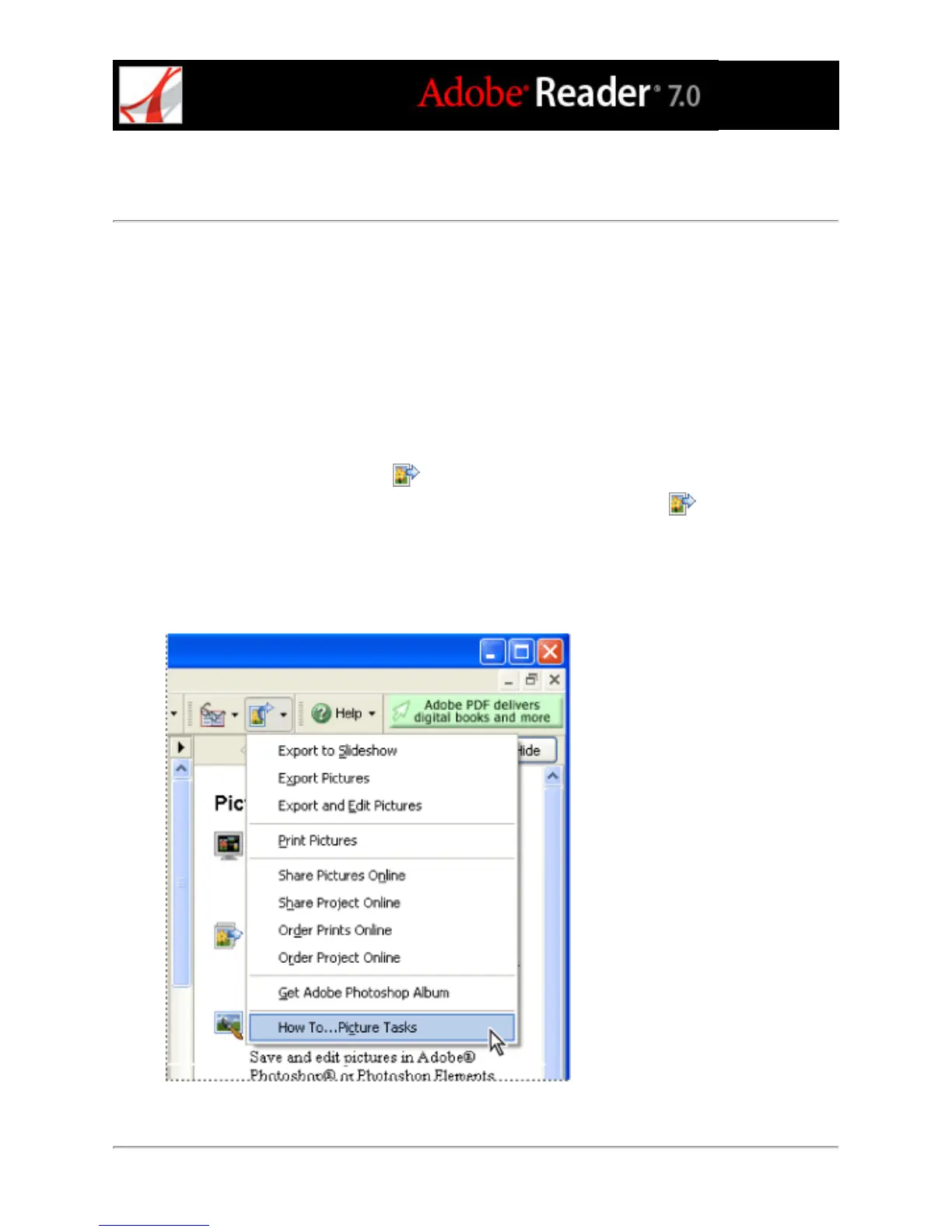
● Choose How To Picture Tasks from the Picture Tasks pop-up menu .
Note: The Picture Tasks menu is available only if the current document is Picture Tasks-
enabled.
Picture Tasks page in the How To window and Picture Tasks menu (Windows)



 To Next Page